


I really never knew how much I needed this tool in my life until I spun it up and explored how to use it. Atomify is my new calming mechanism when I need to relax and focus hard on things I am working on.
What is Atomify?
Atmoify is a web application that empowers users to craft their ideal atmosphere by creating a personalized ambiance that reflects their unique style and preferences.
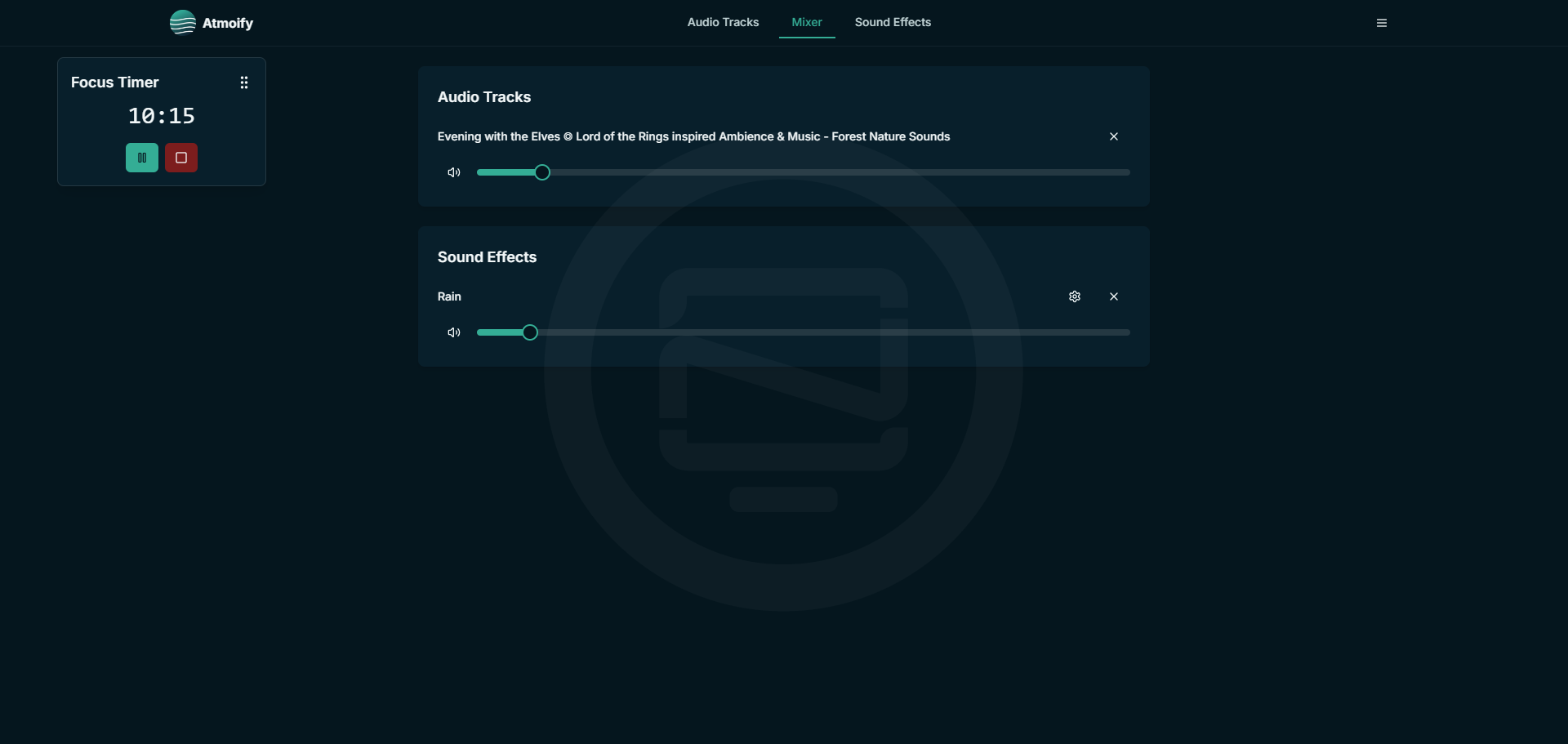
Atomify Core Features
- Add YouTube audio tracks
- Toggle various ambient sound effects
- Mix and adjust volumes for all audio sources
- Set focus and sleep timers
- Save and load custom sound profiles
Install Atomify using Docker
Use the following Docker Compose configuration to deploy Atomify on your server.
services:
  app:
    image: ghcr.io/bluegoosemedia/atmoify:latest
    ports:
      - "3000:3000"
    environment:
      - NODE_ENV=production
Be sure to check the Atomify Github for the latest Docker Compose configuration.
Adding Youtube Videos as Audio Tracks
You can add YouTube videos to Atmoify and layer them with ambient sounds, allowing me to control the volume of each separately. This helps create a unique atmosphere tailored to my preferences. I can then save these custom settings as individual profiles for future use.

Choosing Sound Effects
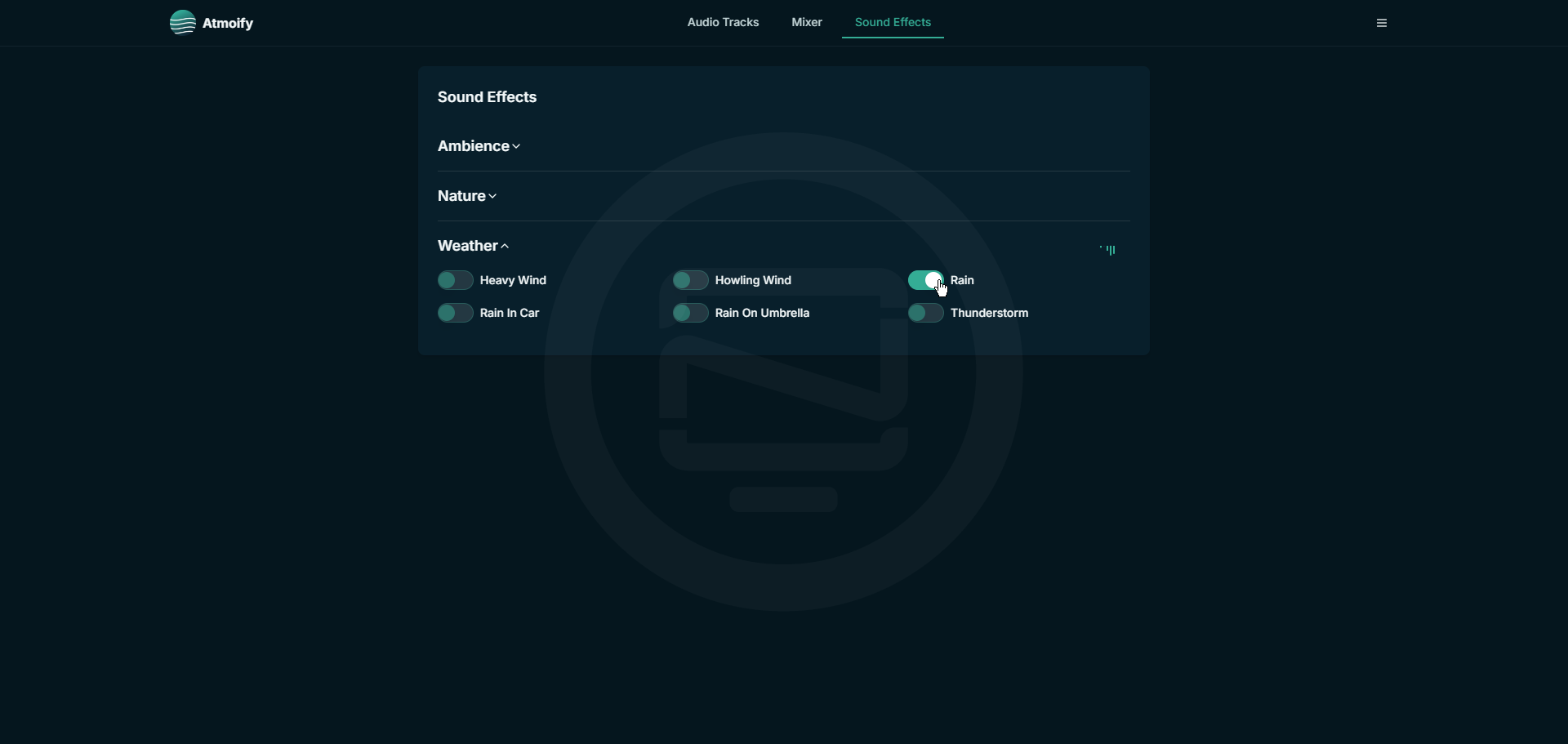
To add sounds to my audio track, I go to the "Sound Effects" tab and select the desired sounds, which are then toggled on or off as needed to enhance my Atmoify experience.
Customizing the Sound Levels
I adjust the overall sound balance by navigating to the "Mixer" section and adjusting the volume levels for both the YouTube audio and the included sound effects to get the perfect mix for my Atmoify atmosphere. I prefer a balanced volume level in my Atmoify setup, where neither the YouTube audio nor the sound effects are too overpowering or distracting, allowing me to maintain a comfortable level of concentration and relaxation.

Creating Profiles
I created a profile based on a YouTube video titled "Evening with the Elves", which features Lord of the Rings-inspired music and forest nature sounds. I added a subtle layer of rain sound on a very low volume, creating a peaceful atmosphere that helps me concentrate and unwind.
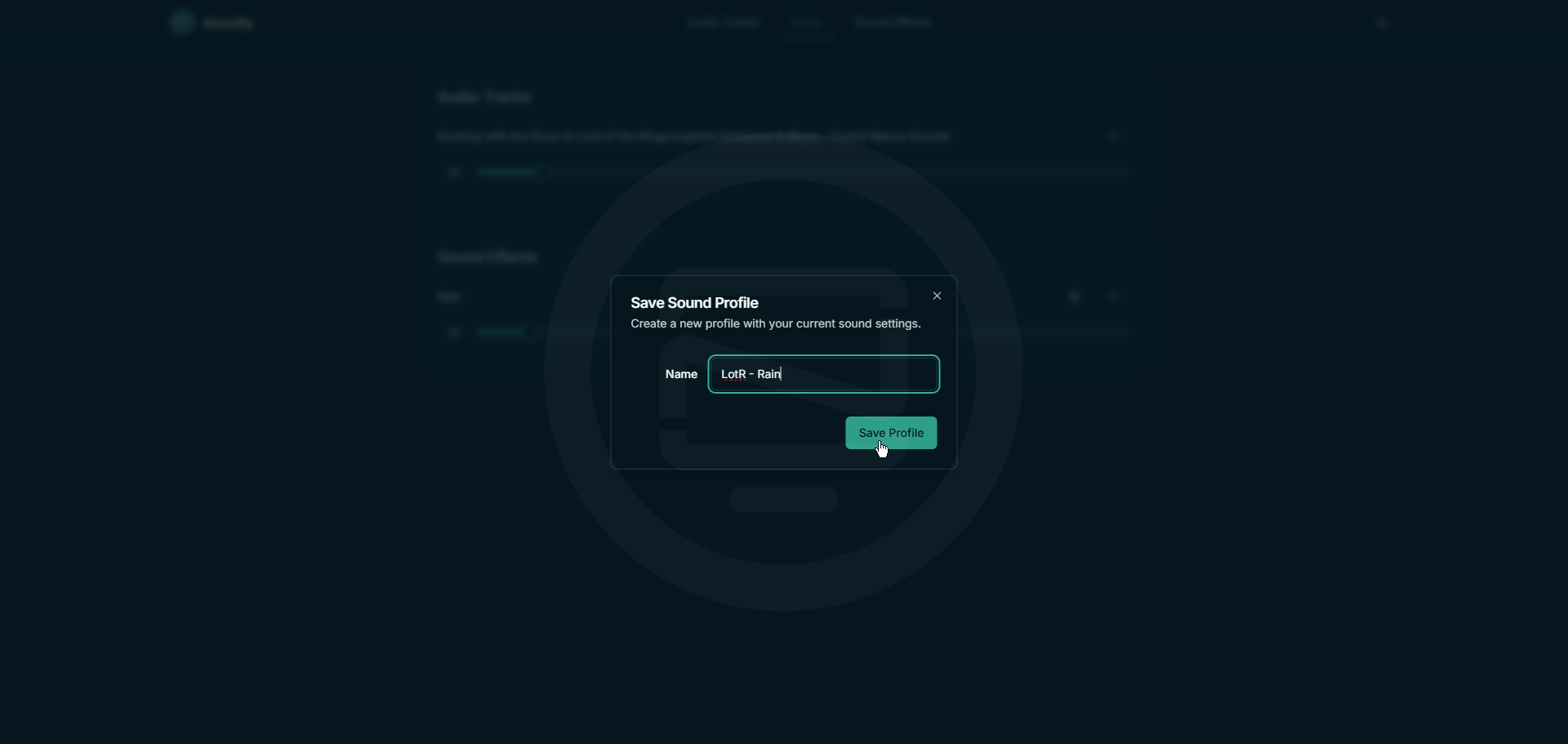
Once you have your tracks and sound effects added, click the hamburger menu in the upper right corner then click on "Save Profile" then give it a name.
Setting Timers in Atomify
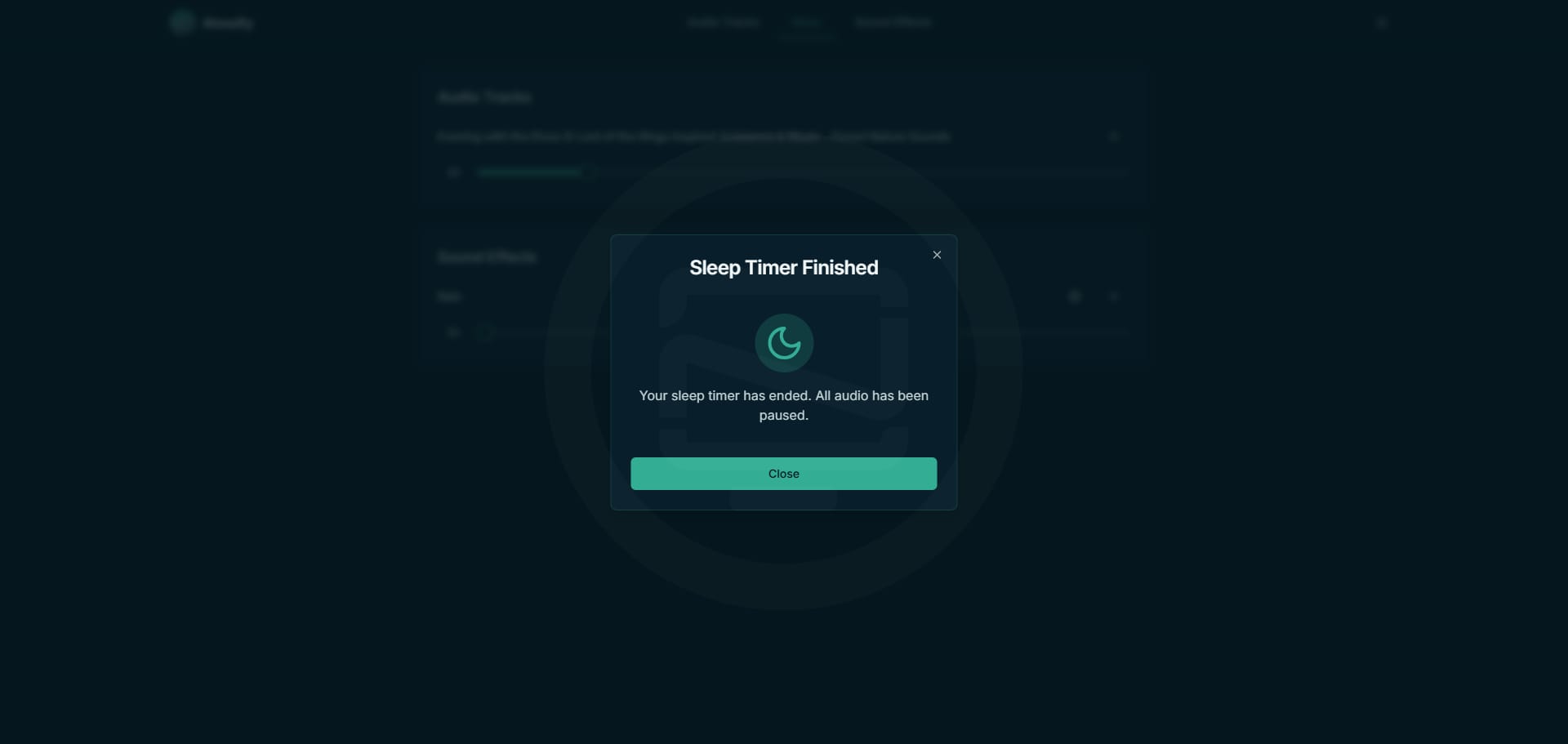
I can schedule my Atmoify ambiance with timers for sleep and focus modes. When the timer expires, the sounds will pause automatically, helping me maintain a consistent pace between relaxation and productivity.
Final Notes and Thoughts
I've grown to appreciate Atmoify's simplicity, as it allows me to tailor my environment to suit my emotions and tasks. Loading a profile with just a few taps is incredibly convenient, making it easy to quickly shift my mood or focus when I need to. It's become a reliable companion in my daily routine.
If you like the projects, I recommend giving it a star on the Atomify Github repo.


Discussion