


This post was written by the developer of Eonvelope.
Like many others, I aim to make my homelab the central hub for all my private data. Cloud, media, documents and images, read-later applications and sync servers of various kinds, they were all in place, giving me full control and ways to access old content I thought was already lost somewhere in the depths of some digital trash bin.
The only thing that was missing was a simple and open-source software to archive our emails. So I decided to take on the challenge of creating that tool.
In this post I want to introduce you to Eonvelope, the result of my efforts.
If you want to skip ahead
and try Eonvelope without any further ado, please go this way to the github repo.
Eonvelope's development relies on principles important to self-hosters.
Flexibility
Other mail-archiving systems decide how and what to archive. With Eonvelope that choice is all yours.
With its flexible system based on fully configurable routine background tasks, you can easily decide between archiving only the contents of a single mailbox and archiving the entire traffic going through your mail account.
You set the frequency at which content will be archived and pick from various criteria to decide what emails will be archived.
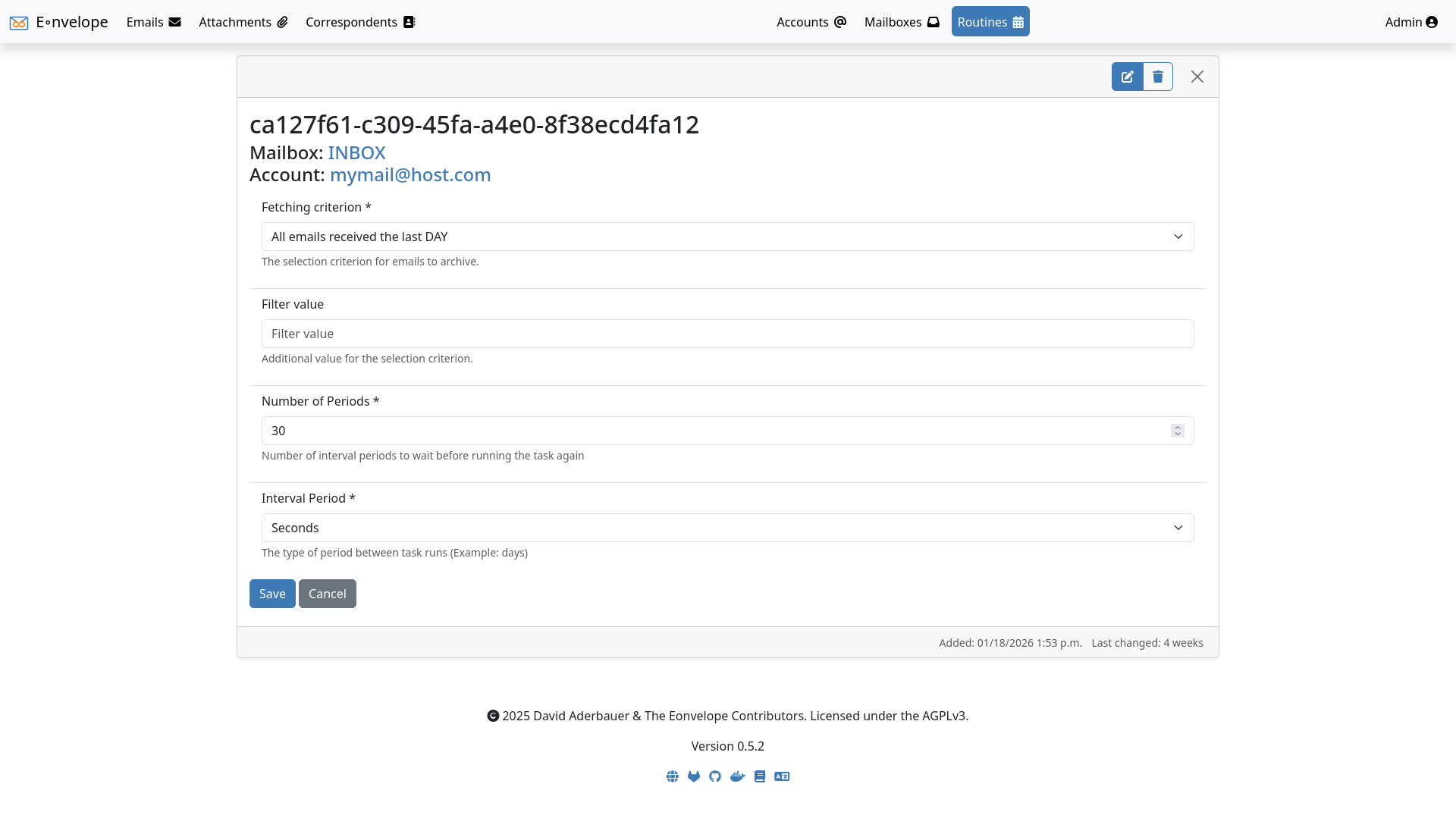
Of course all spam and junk is filtered to keep your server clean and secure.
And if you decide to track all emails going in and out of your account, Eonvelope will find the connections between your emails and allow you to browse entire conversation threads.
Eonvelope supports all major email access protocols:
- IMAP4 (w/ & w/o SSL)
- POP3 (w/ & w/o SSL)
- MS Exchange
- JMAP
You can access and browse and find all your archived data through the webinterface.
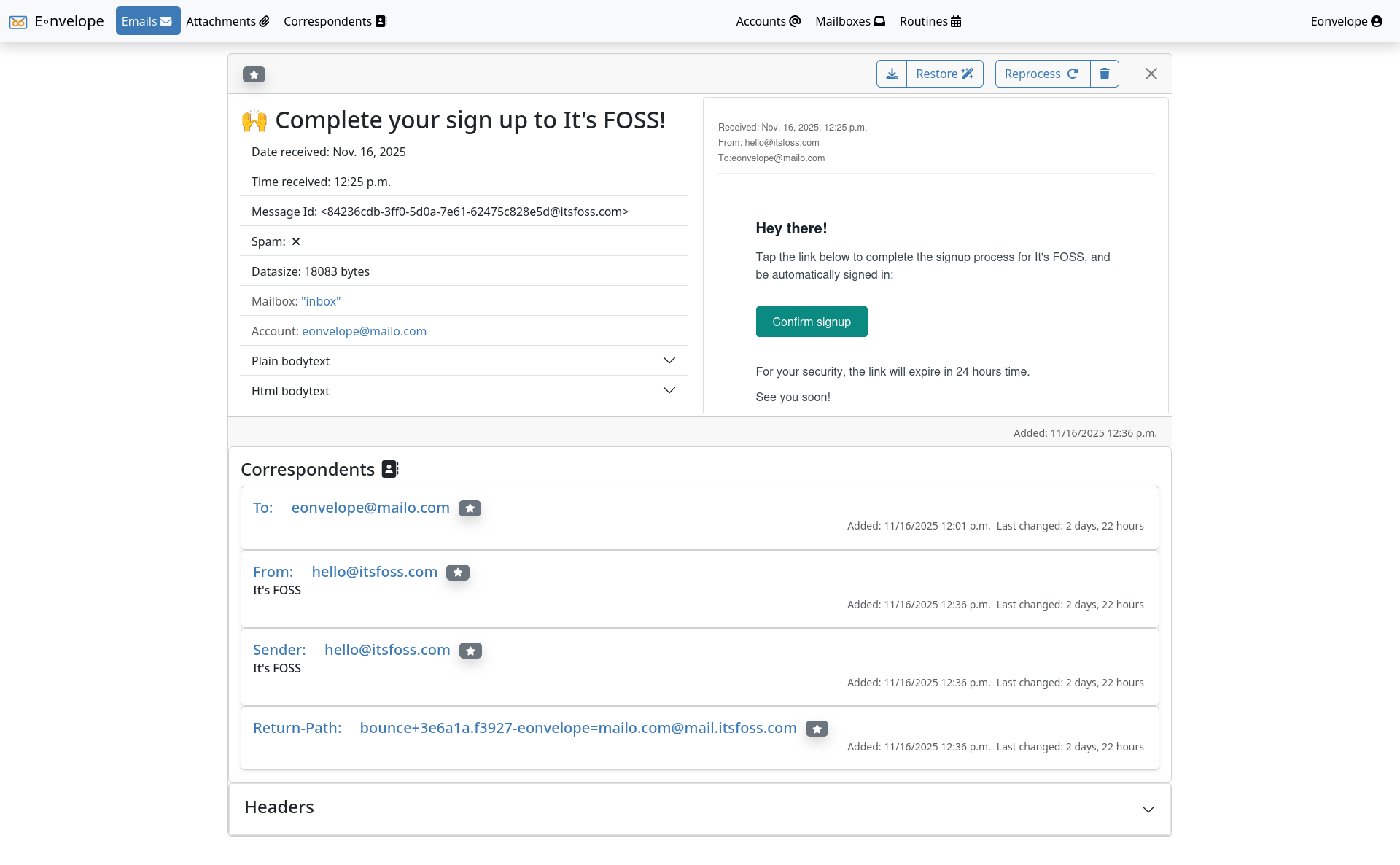
If you need programmatic access to the archived data, you will be interested in Eonvelope's full-fledged API, which also vastly extends the search capabilities of the webinterface.
And in case you want to migrate to of from a different mailarchiving service, Eonvelope allows you to export and import emails, attachments and correspondents in various formats.
Ease of Life
Self-hosting shouldn't be hard. Eonvelope is easy to set up, configure and manage.
Setup doesn't take longer than 5 minutes.
The project is fully documented on ReadTheDocs. But if you try out Eonvelope for the first time, you do not need to spend time browsing it to figure out how to set it up. There are minimal docker-compose and kubernetes config-files available in the quickstart section of the documentation and in the git repo that you can use to get a first glance. Config in more detail can still be done later, you can rely on the sensible defaults to get started.
To guarantee security right from the start, Eonvelope comes with a SSL certificate and https-only included. You should still consider reverse-proxying though.
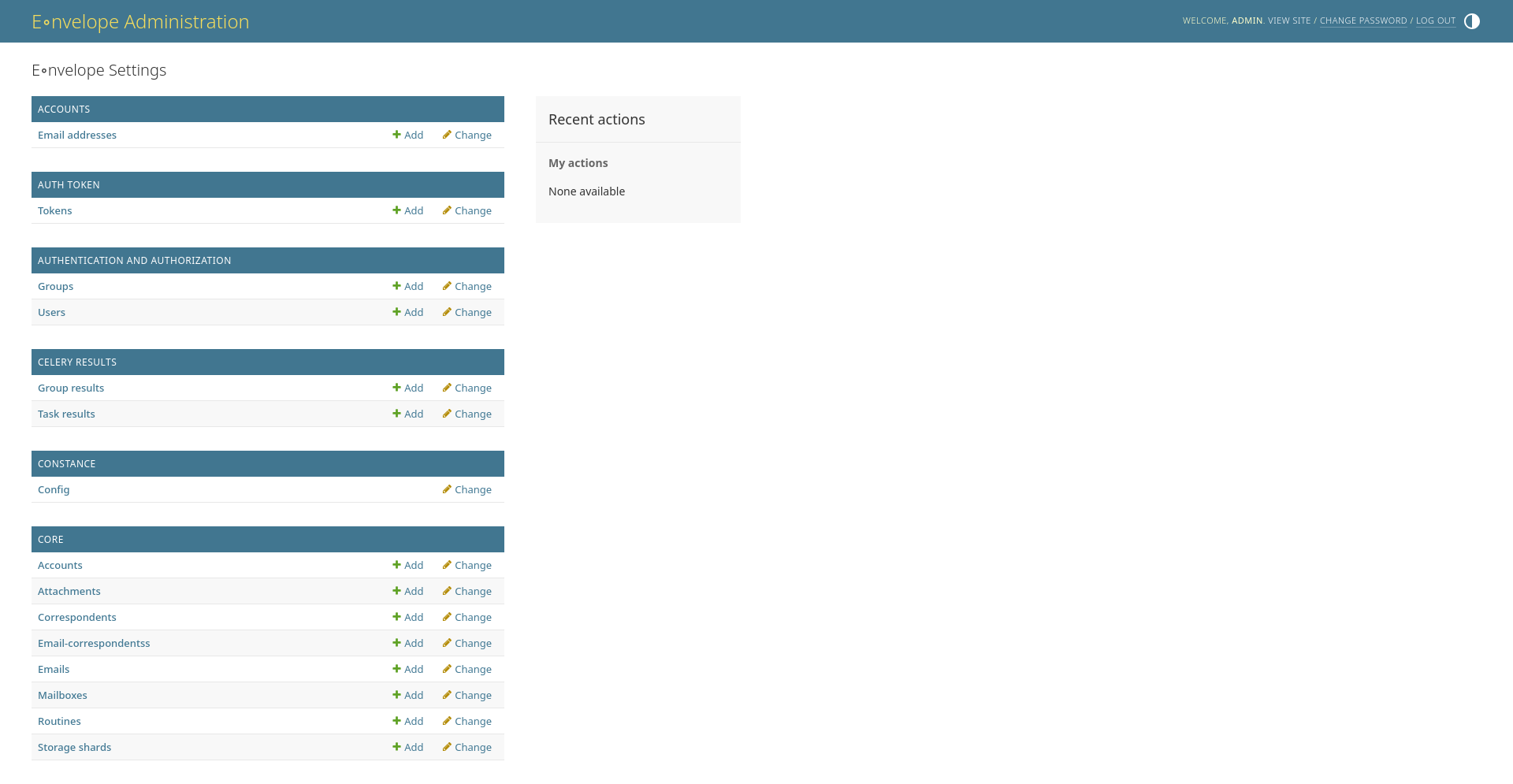
All server configuration is done either via docker environment variables or a central admin panel.
If you run your homelab on a raspberry-pi or a similar device with low specs and/or slim resources, Eonvelope has a special mode you can activate to reduce the load on the device.
Interconnection
There is so much great self-hostable software out there. Eonvelope can interconnect with your other self-hosted services.
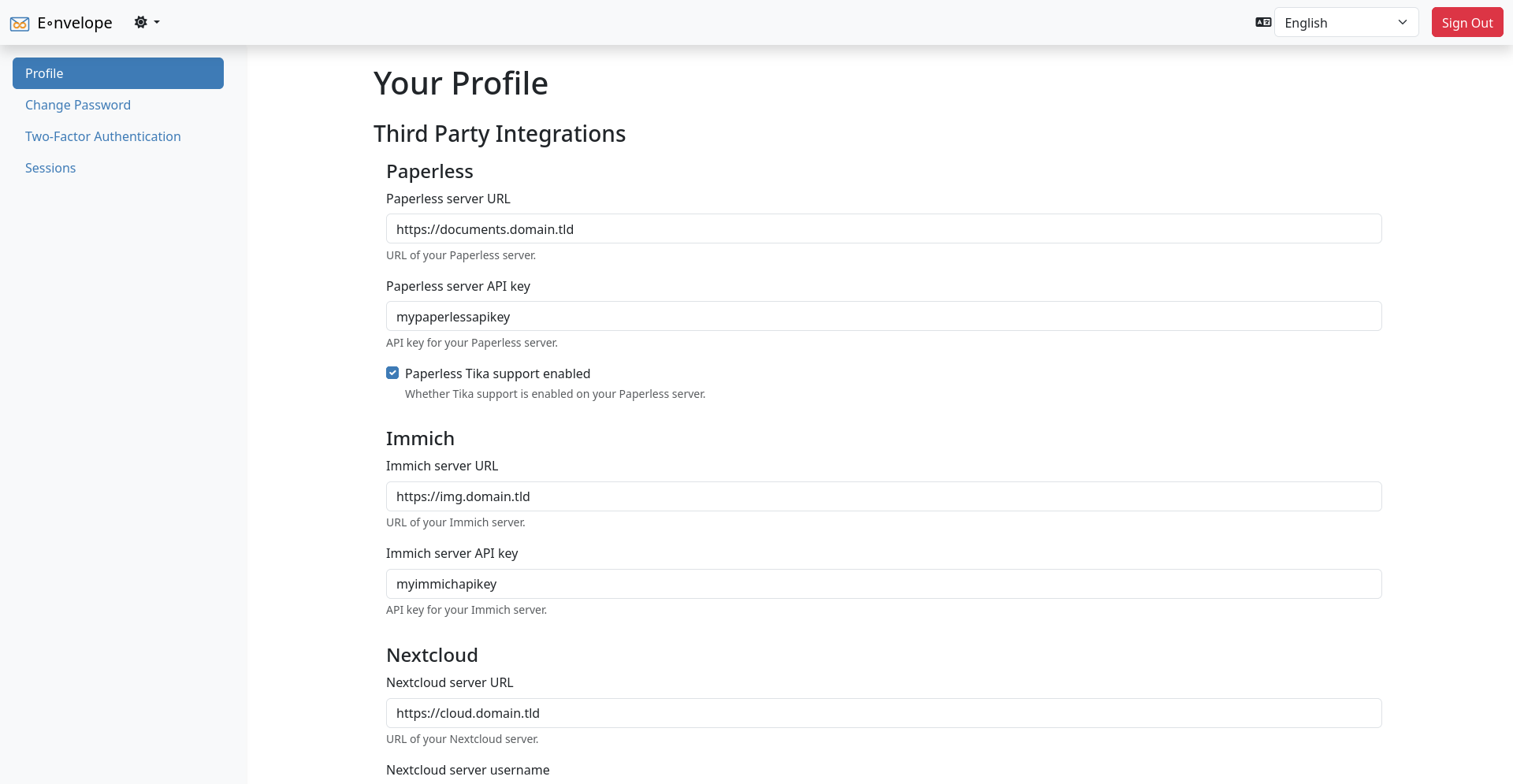
You have an attachment that you need in Paperless-ngx? Eonvelope can send it there in one click!
You want to make more of images you have been emailed? Just send them to your Immich server directly from the Eonvelope webapp.
Need to sync a correspondent to your Nextcloud-based addressbook? Eonvelope has your back and saves you time.
Eonvelope's built-in API allows Searxng to search your archived mails, attachments and correspondents. A complete configuration for that searxng engine is in the docs.
And if you miss a fancy statistics dashboard in the Eonvelope web interface, you can use Grafana to make any graph and analysis you like by leveraging Eonvelope's ready-to-use Prometheus endpoint!
That is just the beginning! If you let me know what services you would like to see connections to, I'll be happy to add them.
Or perhaps you have your own idea on what to do with all the email data. In that case you may be interested in using Eonvelope's full-fledged and completely documented API.
Longevity
What's the point of an archive that is not supported long-term .. Eonvelope project is set up to make long term support and development easy.
First of all I use this project myself and thus have a natural interest in keeping everything up to date.
The codebase has more than 98% unit-test line coverage, making sure that no errors are introduced by accident.
Dependencies are managed by renovate, reminding me of the latest changes every week.
And it is build with Python, the most popular programming language in the world, together with HTML, which has been around forever and is still the bedrock of the web.
If you are interested in taking Eonvelope for a spin, you can check it out on Github, Gitlab or the project website.
Docker images are available on Dockerhub.
The documentation is hosted on ReadTheDocs.
If you are interested in contributing, please go to the Gitlab repository.


Discussion