


Managing files backups and synchronizations can be tedious, especially when working with multiple storage providers or large datasets. GoMFT is a powerful solution designed to simplify this process, providing a user-friendly interface for seamless file transfers and management.
What is GoMFT?
GoMFT is an innovative web-based file transfer application built using the Go programming language, which integrates rclone for seamless and robust data exchange capabilities. The platform features a user-friendly interface that simplifies the process of configuring, scheduling, and monitoring file transfers across various storage providers.

The GoMFT platform leverages a modern and efficient tech stack to deliver seamless file transfer capabilities. Built on top of Go, with Gin as the web framework, Templ for HTML components, and HTMX for dynamic interactions, the application provides an intuitive user interface. Tailwind CSS handles styling, while JSON Web Tokens (JWT) provide robust authentication mechanisms. The database is managed by GORM, utilizing SQLite as the storage solution. For file transfer operations, rclone is integrated for reliable data exchange. Finally, with Docker containerization and traditional installation options available, the platform can be easily deployed to various environments, ensuring scalability and flexibility.
GoMFT Features
- Multiple Storage Support (Amazon S3, MinIO, NextCloud, etc.)
- Scheduled Transfers with Cron Expressions
- Real-time Transfer Monitoring and Detailed Logs
- File Metadata Tracking (process status, file size, metadata retention)
- User-Friendly Web Interface with Templ Components
- File Pattern Matching and Dynamic Naming
- Archive Function for Backup and Compliance
- Robust Security with Role-Based Access Control
- Modern UI with HTMX and Tailwind CSS
- Docker Support for Easy Deployment
Install GoMFT using Docker
If you don't have Docker installed and need help getting started, I recommend checking out our self-hosting guides for beginners. These guides cover the basics of setting up Docker on your server. They're designed to help you get up and running smoothly, even if you're new to self-hosting.
Docker Compose configuration:
services:
  gomft:
    image: starfleetcptn/gomft:latest
    container_name: gomft
    restart: unless-stopped
    ports:
      - "8080:8080"
    volumes:
      - ./data:/app/data
      - ./backups:/app/data/gomft/backups
    environment:
      - TZ=UTC
      - SERVER_ADDRESS=:8080
      - DATA_DIR=/app/data/gomft
      - BACKUP_DIR=/app/data/gomft/backups
      - JWT_SECRET=change_this_to_a_secure_random_string
      - BASE_URL=http://localhost:8080
      #- EMAIL_ENABLED=true
      #- EMAIL_HOST=smtp.example.com
      #- EMAIL_PORT=587
      #- [email protected]
      #- EMAIL_FROM_NAME=GoMFT
      #- EMAIL_ENABLE_TLS=true
      #- EMAIL_REQUIRE_AUTH=true
      #- EMAIL_USERNAME=smtp_username
      #- EMAIL_PASSWORD=smtp_password
Navigate to the server IP on port 8080 and you will be presented with the initial "get started" page. Then create an account and log in.
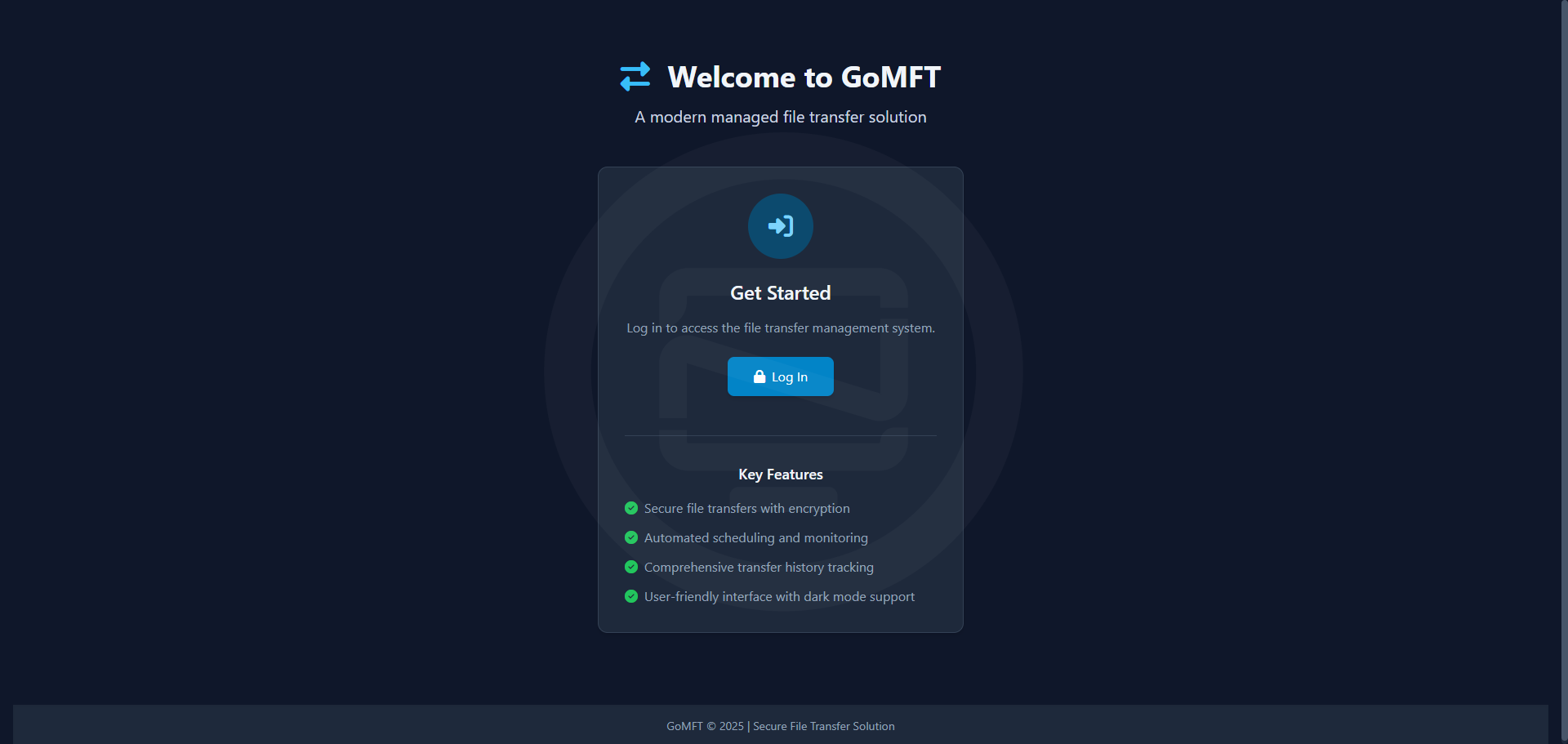
Log in with the default admin account:
Email: [email protected]
Password: admin
Important: Change this password immediately after first login.
The GoMFT application loads its configuration from environment variables with a default configuration automatically generated on the initial launch.
SERVER_ADDRESS=:8080
DATA_DIR=./data/gomft
BACKUP_DIR=./data/gomft/backups
JWT_SECRET=change_this_to_a_secure_random_string
BASE_URL=http://localhost:8080

# Email configuration
EMAIL_ENABLED=true
EMAIL_HOST=smtp.example.com
EMAIL_PORT=587
[email protected]
EMAIL_FROM_NAME=GoMFT
EMAIL_REPLY_TO=
EMAIL_ENABLE_TLS=true
EMAIL_REQUIRE_AUTH=true
EMAIL_USERNAME=smtp_username
EMAIL_PASSWORD=smtp_password
Email settings are optional and are not needed for the application to function.
Final Notes and Thoughts
The transfer configuration options offer a range of choices for customizing file synchronization and backup processes. Users can select from various source/destination types, configure connection details, and manage file filtering and naming. Schedule options provide flexibility with cron expressions, manual execution, and controls to suit individual needs.
Be sure to give the project a star on the GoMFT Github repo!


Discussion