


Life at home can get hectic quickly. Between shopping lists, bills, chores, reminders, and the dozens of little things that keep a household moving, it’s easy for details to get lost.
HomeHub is a lightweight, self-hosted web app you run on your own home network. It acts as a central hub for your household, giving your family a private place to share notes, shopping lists, chores, calendars, expenses, files, and more.
What HomeHub Can Do
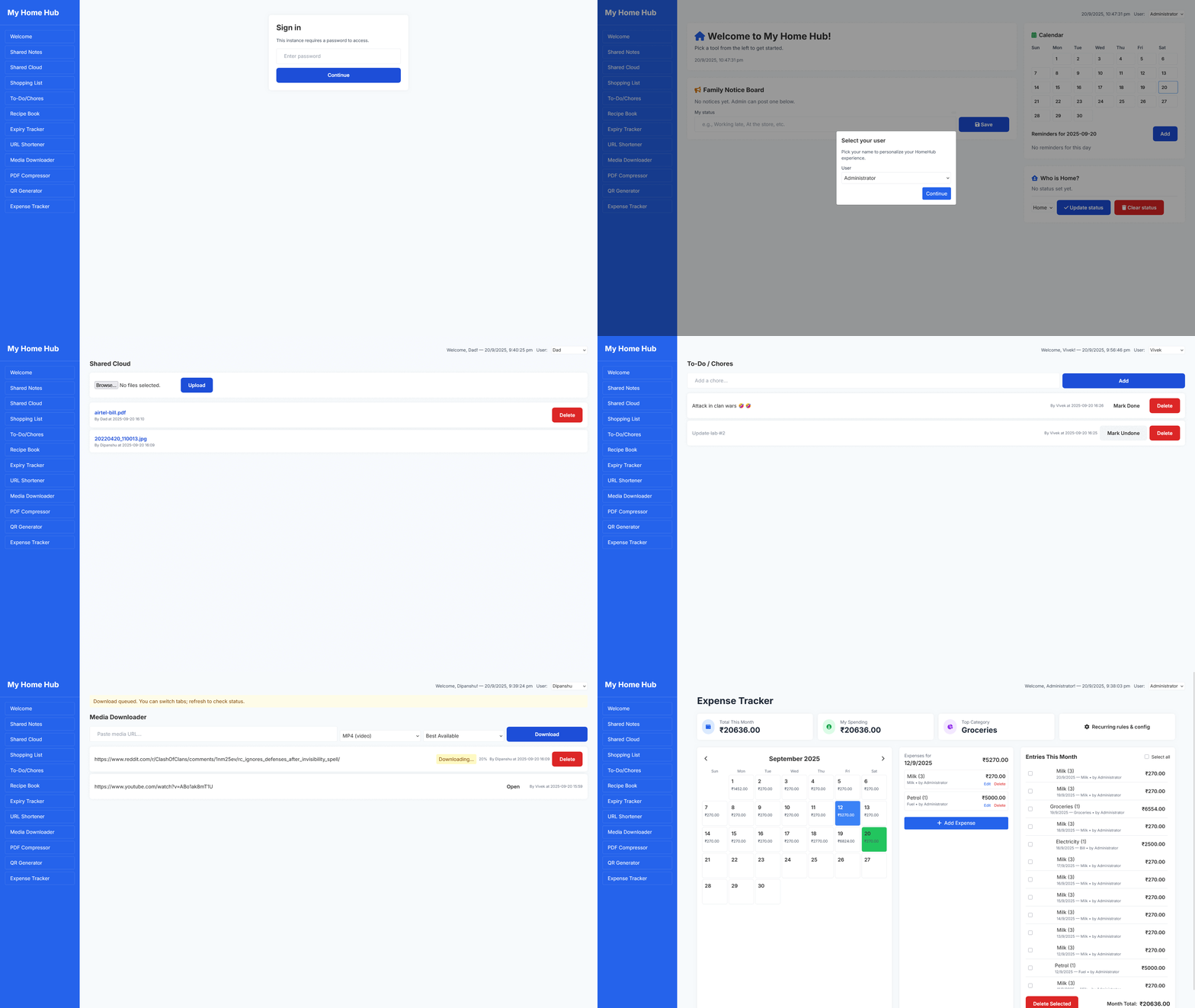
HomeHub combines multiple tools into one hub that makes daily life easier to manage:
- Shared Notes – A place to write quick reminders, ideas, or important messages everyone can see.
- Shared Cloud – Upload and share files across your home network without relying on outside services.
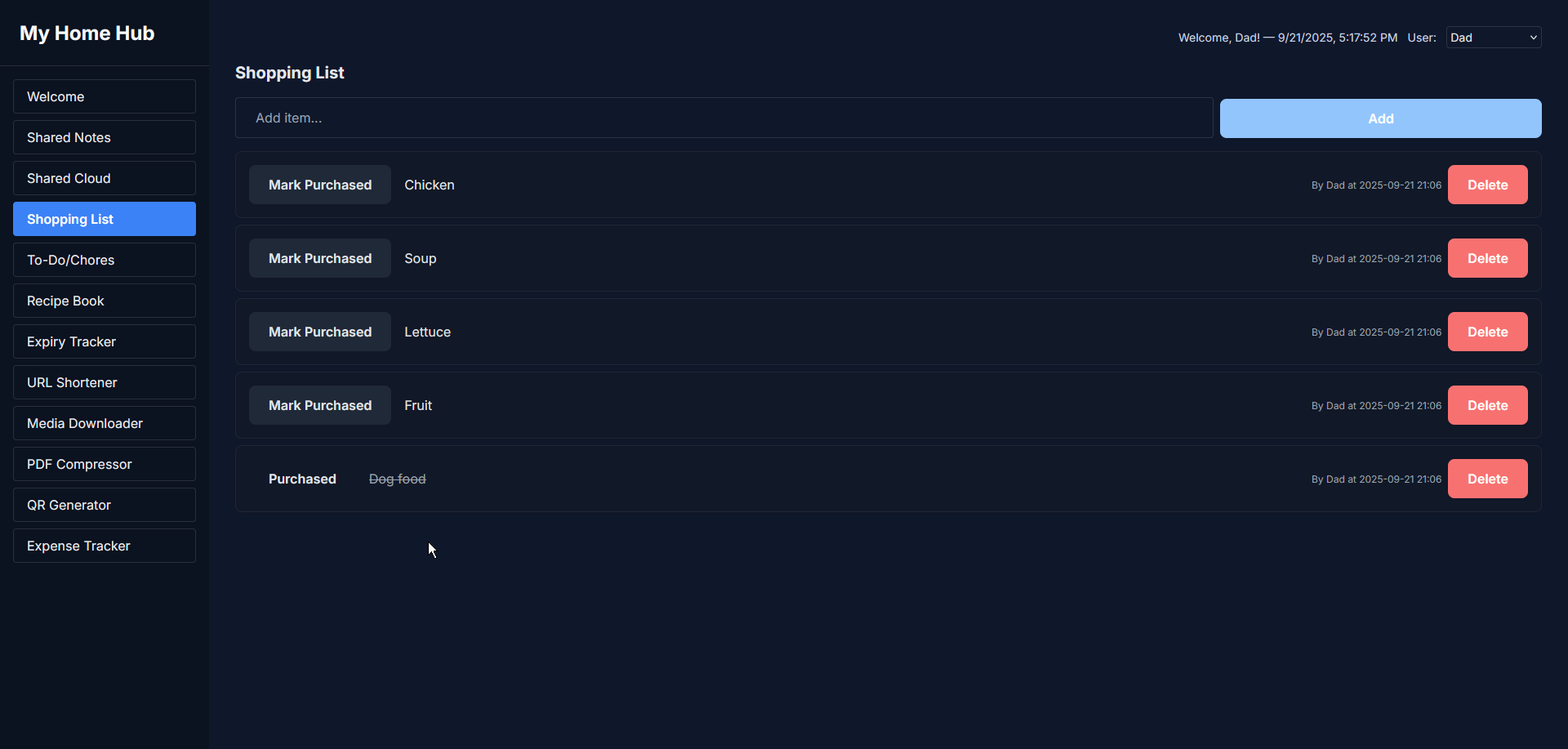
- Shopping List – A collaborative grocery list that even suggests items based on past entries.
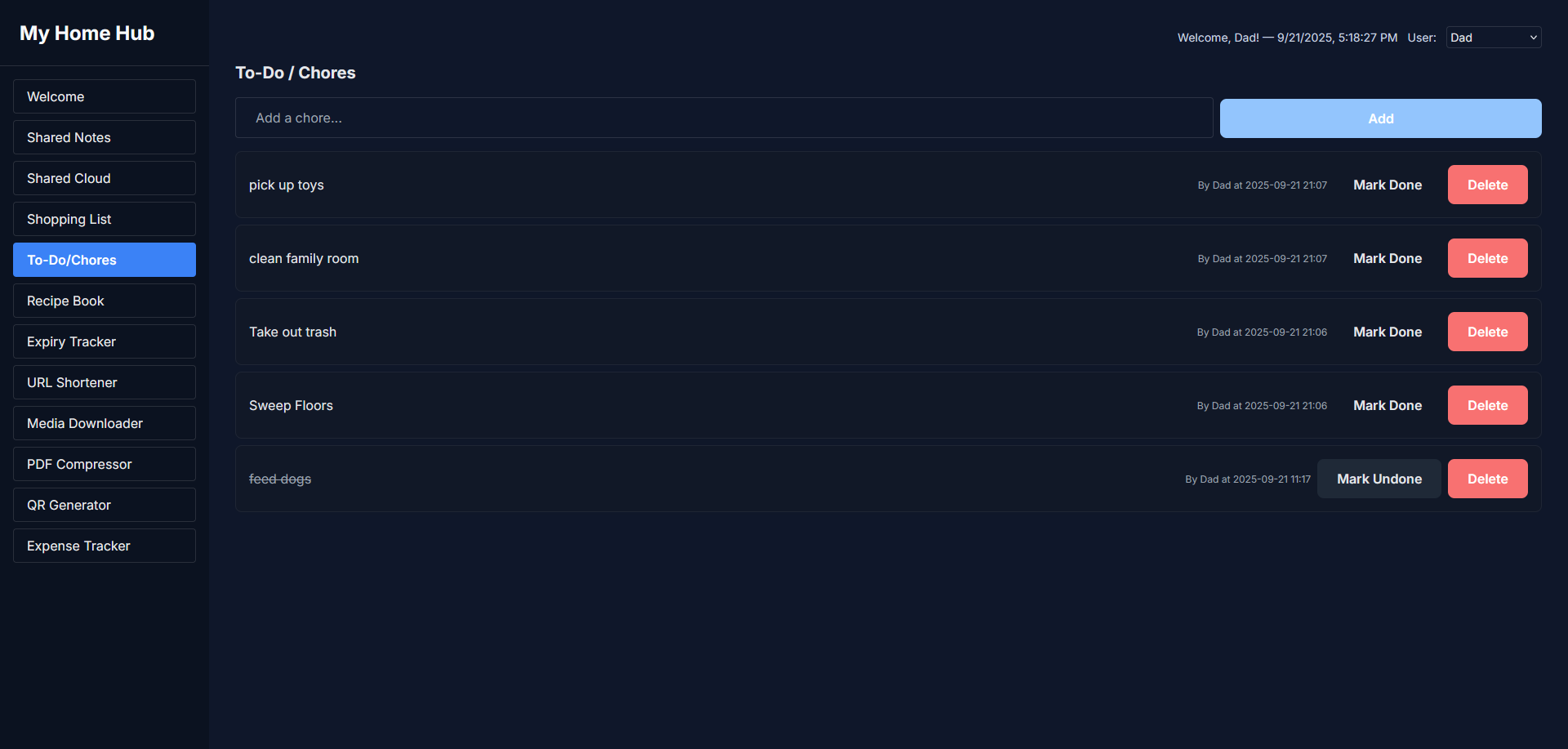
- Chore Tracker – Keep track of household tasks so nothing falls through the cracks.
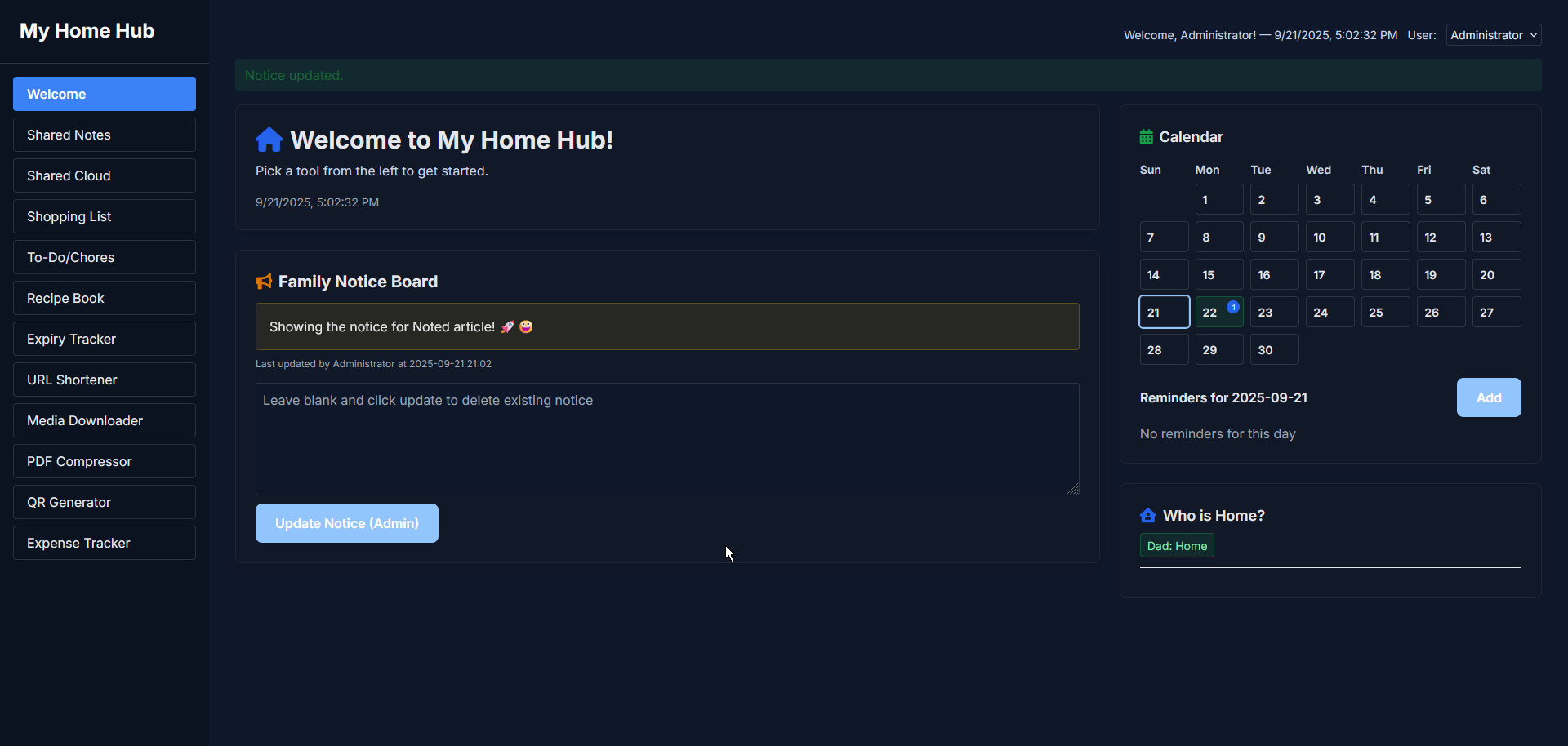
- Calendar & Reminders – Stay on top of birthdays, appointments, and events with a shared calendar.
- Who’s Home? – Check in an instant who’s currently at home.
- Expense Tracker – Log spending, track recurring bills, and manage family finances in one spot.
- Media Downloader – Save videos or music directly to your server for later access.
- Extra Tools – Includes a recipe book, expiry tracker, URL shortener, PDF compressor, and QR code generator.
Why It Works
What makes HomeHub so practical is its focus on everyday needs. It doesn’t try to be everything at once. Instead, it keeps the essentials close at hand—groceries, chores, finances, reminders—while still offering extras that come in handy when you need them. It’s simple enough to use daily, but powerful enough to replace scattered apps and notes.
Installing and Configuring HomeHub
The easiest way to run HomeHub is with Docker.
Start by creating your configuration. Copy config-example.yml to config.yml, then edit it to match your household. You can give your hub a name, add family members, set an optional password, and enable or disable features under feature_toggles.
Next, prepare the Docker Compose file. Save the following as compose.yml:
services:
  homehub:
    container_name: homehub
    image: ghcr.io/surajverma/homehub:latest
    ports:
      - "5000:5000" # app listens internally on port 5000
    environment:
      - FLASK_ENV=production
      - SECRET_KEY=${SECRET_KEY:-} # set via .env; falls back to random if not provided
    volumes:
      - ./uploads:/app/uploads
      - ./media:/app/media
      - ./pdfs:/app/pdfs
      - ./data:/app/data
      - ./config.yml:/app/config.yml:ro
Bring everything online with:
docker compose up -dFor customization, HomeHub follows your system’s dark or light mode automatically, but you can set your own colors in config.yml under the theme section.
Final Notes and Thoughts
What I like most about HomeHub is how it keeps everything in one place. I no longer need to chase sticky notes, scattered apps, or random messages just to know what is going on at home. All the things we use every day such as lists, chores, expenses, and even recipes live together in a space that feels private and simple to manage.
Check out HomeHub on Github and give them a star!


Discussion