


Our three-story home has proven to be a difficult terrain for stable WiFi coverage. Having spent the previous years living in single-story apartments and rental homes, we weren't accustomed to mesh systems, which became essential when we bought our first home in the summer of 2023. Our house is three stories and I have struggled getting good WiFi coverage throughout. With both my wife and I now working from home, it's become clear that a reliable internet connection is crucial. So, I've been on the hunt for a solution to this persistent problem.
First off, our home was built in 2005, a time when contractors actually used quality materials, meaning our walls are incredibly thick and insulated. Because we don’t have any hard-wired network cable runs, using PoE hotspots like Unifi or Omada is simply not an option.
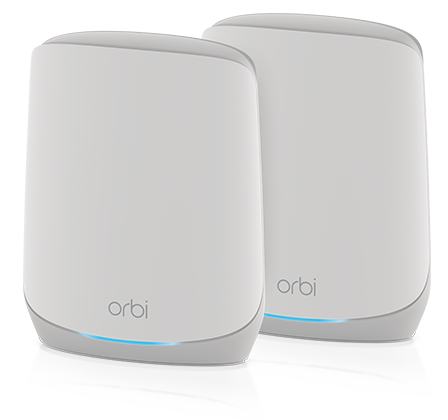
NETGEAR Orbi WiFi 6 RBK762S
In 2023, I started researching WiFi mesh systems, a completely new concept for me. As someone who enjoys technology, I saw it as an exciting project. Ultimately, I settled on the NETGEAR Orbi Tri-Band WiFi 6 (RBK762S) Mesh Network System, which cost me $422 total, including shipping from Amazon at the time.
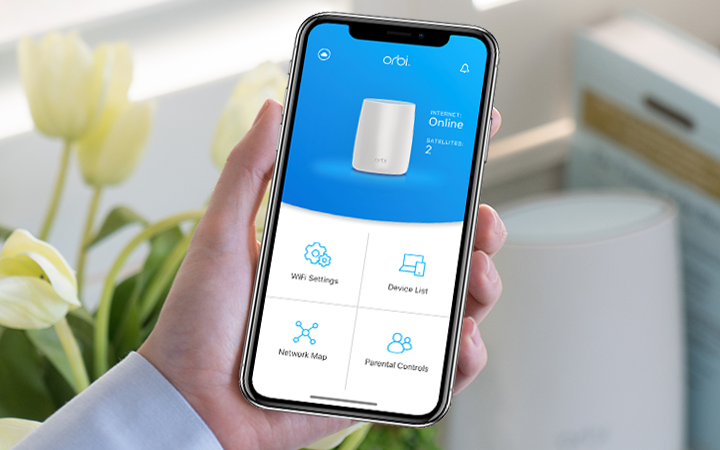
Upon arrival, I quickly realized that almost every mesh system now relies on mobile applications for setup. As someone who enjoys tinkering and appreciates having control over my routers advanced settings, I was initially apprehensive. Thankfully, the NETGEAR Orbi system performed well for about a year and a half, but eventually, it began dropping connections, and I found myself increasingly frustrated as I struggled to diagnose the issue and, frankly, my hair started to thin from the stress!
The WiFi speed was good. I was consistently getting 200-300 Mbps on speed tests, with some areas barely dipping into the triple digits before the connection issues started. After weeks and weeks of troubleshooting, my wife and I finally reached our limit and decided to abandon the Orbi system entirely, moving forward with a completely different WiFi mesh system.
ASUS ZenWiFi BQ16 Pro
We dove in and paid $1,000 for the brand-new ASUS ZenWiFi BQ16 Pro mesh system, drawn in by its impressive 8,000 square foot coverage, WiFi 7, dual 10gig ports and endless advanced features. However, the initial setup was a frustrating hour-long ordeal, requiring multiple power cycles just to get it to recognize the internet connection. Despite offering a wealth of advanced features through its mobile app and web interface, the system’s performance was inconsistent. Even with firmware updates, it frequently dropped connection and refused to reconnect. Sadly, the firmware on this system proved to be unreliable, and we ended up shipping it back. It’s a shame because I was really hoping it would work out, especially considering the impressive features including free security options that most other companies charge extra for.
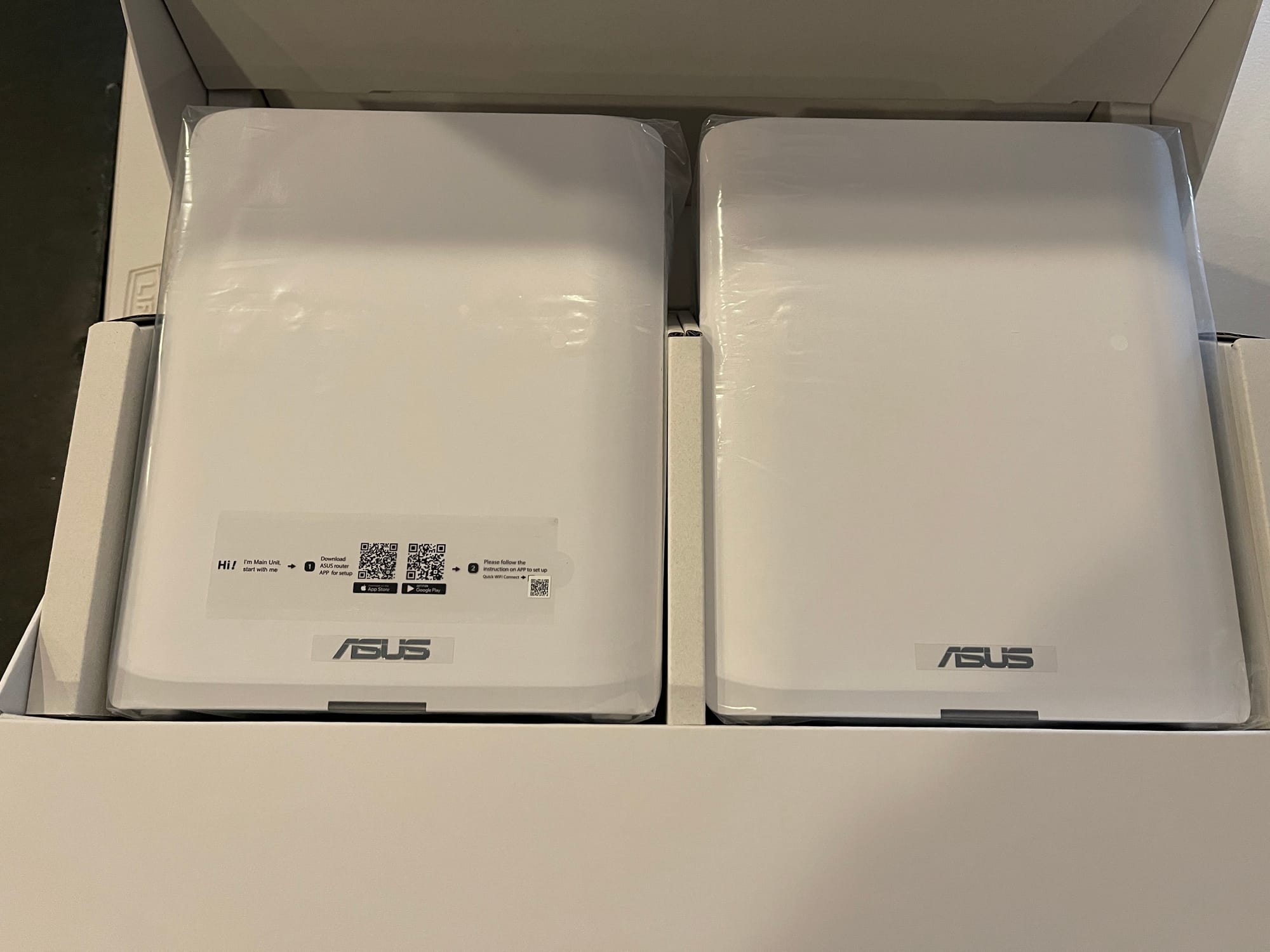
Reluctantly, and feeling utterly frustrated that the ASUS system wouldn’t work reliably, I had to admit defeat and return it. That’s when I decided to give the TP-Link brand a try.
TP-Link Deco BE63
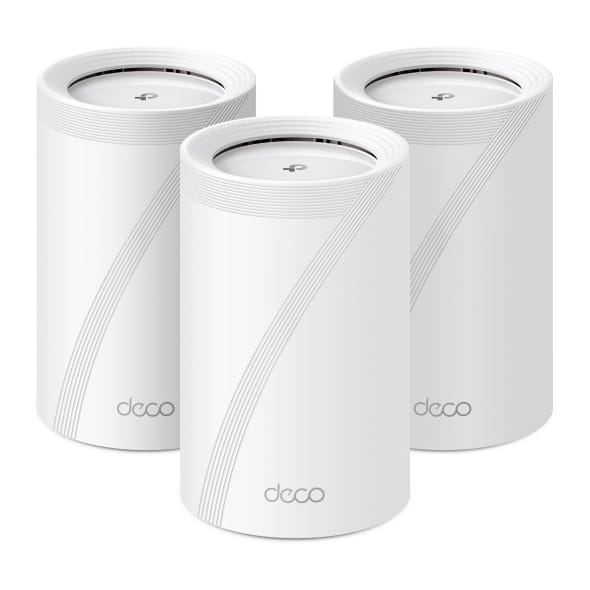
I knew the TP-Link brand had a solid reputation for reliable products, but I was still concerned about the lack of advanced features and control over the router and nodes. Despite those reservations, I bit the bullet and purchased the TP-Link Deco BE63 three-pack mesh system from Amazon, totaling $445 after applying a coupon discount. After watching this video by Linus about the product, I was impressed but still hesitant.
When the TP-Link Deco BE63 mesh system arrived, I unboxed it and immediately began the setup process. Using one node in the basement near the router as the primary node, I then added the remaining two nodes one by one. A remarkably simple and seamless experience. What a huge sigh of relief!
I strategically placed one node on the main floor and the other on the top floor, where my wife’s office is located. This was the moment of truth. I called her on her phone and had her run a speed test from her gaming PC and she was absolutely stoked to see 850 Mbps speeds! Our internet package includes a 1gig download speed so this was impressive to see over WiFi.
I'll do a more in depth review of the TP-Link Deco BE63 soon that covers all the details about the options and the lack there of. I'll go over the specs, features and more.
Final Notes and Thoughts
WiFi performance is heavily influenced by network traffic. A high density of IP cameras and IoT devices often results in significant speed reductions. I have a total of 55 devices and 30 of those are wireless. TVs, cameras, phones, laptops, tablets, and Amazon Echo's. It adds up quick! Most of the wired devices are VMs or containers running on Proxmox.
I really wanted that ASUS system to work out but it seems it was simply not ready for production use, as multiple people online had mentioned months ago. I dismissed those reviews then, assuming the firmware would be stable by now, but now I realize they were spot on.
Overall, the Netgear Orbi system would have been sufficient if it had simply maintained a stable connection. When you’re aiming for 5,000 square feet of coverage and it’s not staying connected, what else can you do? I spent considerable time changing WiFi channels and disabling unnecessary features, but it just wouldn’t play nicely. Ultimately, the TP-Link Deco BE63 has proven to be a solid system so far and I look forward to reviewing the system more in depth soon!


Discussion