


If you manage a Linux box, your data is the thing you can’t afford to lose. Whether you host it in the cloud, on a small VPS, or on bare metal in your homelab, one truth never changes. Something will fail eventually. Disks die, updates break, and people make mistakes. The only thing that saves you is a backup that actually works.
That is where Restic comes in. It is an open source backup system that is fast, efficient, secure, and built for real servers. It handles compression, deduplication, and encryption automatically, so you can focus on running your services instead of worrying about losing them.
What is Zerobyte GUI?
Zerobyte is an open-source backup automation platform that wraps the Restic engine with a modern web interface, letting self-hosters create repositories, schedule jobs, and monitor backups from a dashboard rather than the CLI.

Why Restic plus Zerobyte works
- Restic handles the hard parts: encryption, deduplication, and multi‑backend support.
- Zerobyte handles the boring parts: job scheduling, credential management, and progress streaming.
- Together you get secure, efficient backups with a usable control plane that’s easy to hand off to someone else or revisit months later.
Docker Compose example
Save this as docker-compose.yml and run docker compose up -d. Adjust paths, user IDs, and timezone to match your host.
services:
  zerobyte:
    image: nicotsx/zerobyte:latest
    container_name: zerobyte
    restart: unless-stopped
    ports:
      - "4096:4096"
    environment:
      - PUID=1000
      - PGID=1000
      - TZ=America/New_York
    volumes:
      - ./zerobyte-data:/app/data
      - /etc/rclone:/root/.config/rclone:ro
      - /srv/backups:/backups:rw
      - /etc/localtime:/etc/localtime:ro
Notes about the compose file
./zerobyte-datastores Zerobyte metadata and should live on local disk for performance and fewer permission issues./etc/rcloneis optional. Mount yourrclone.confif you plan to use rclone remotes for cloud storage./srv/backupsis an example path you can use as a local Restic repository or staging area.- The UI listens on port 4096 by default. Visit
http://<host>:4096after starting the container.
Post deploy checklist
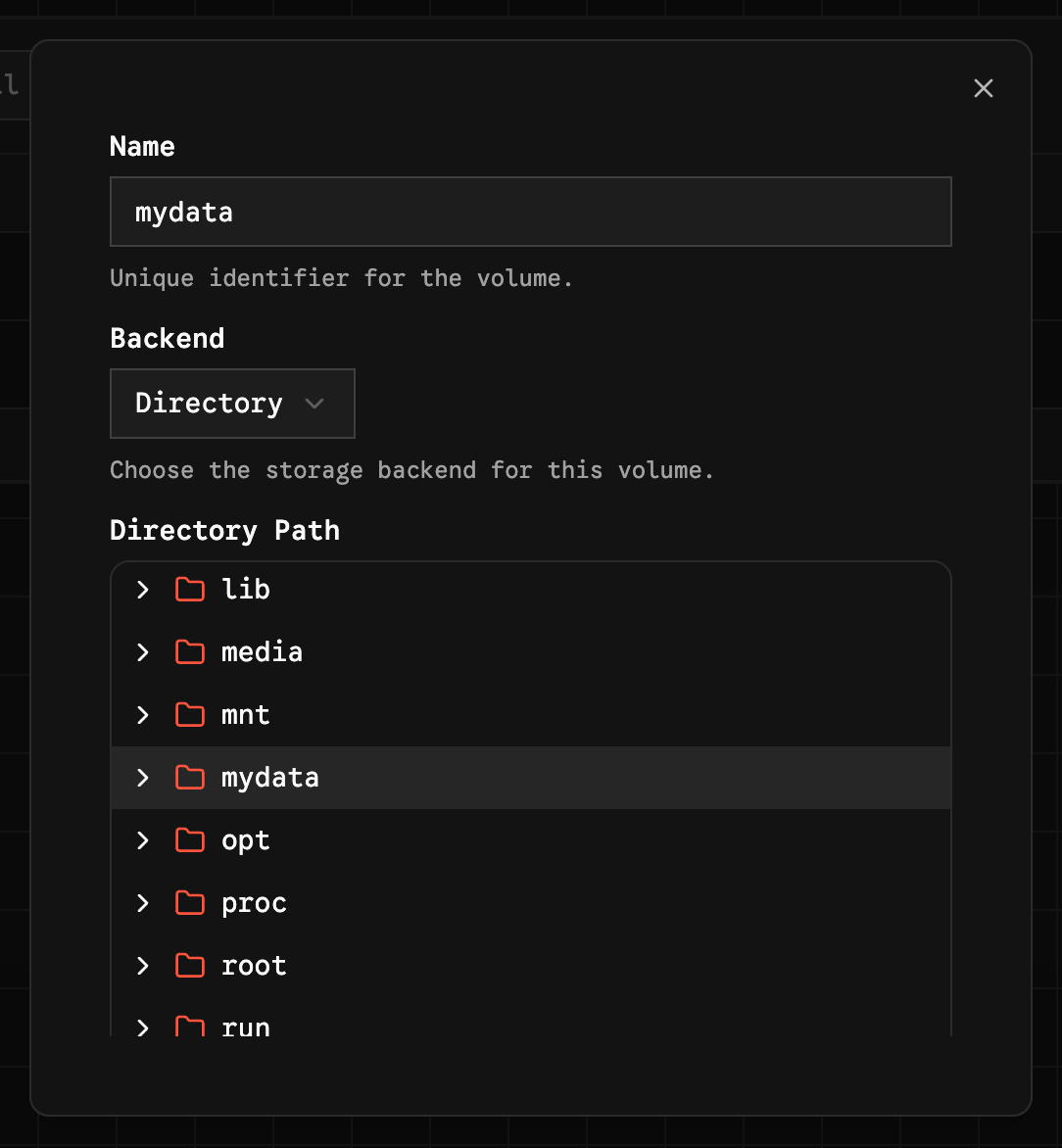
- Create a repository in the UI. Choose local, S3‑compatible, or an rclone remote.
- Mount the data you want to back up into the container and add those paths as sources in Zerobyte.
- Create a job: pick include paths, add exclude patterns, set a schedule, and choose a retention policy.
- Run the job manually once to validate credentials and the initial snapshot.
- Keep CLI commands handy for recovery and troubleshooting. Example commands you’ll want to know:
# initialize a local repo
export RESTIC_REPOSITORY=/srv/backups/restic-repo
export RESTIC_PASSWORD="strong-password"
restic init

# create a backup
restic -r $RESTIC_REPOSITORY --password $RESTIC_PASSWORD backup /home /etc

# list snapshots
restic -r $RESTIC_REPOSITORY --password $RESTIC_PASSWORD snapshots

# forget and prune with a retention policy
restic -r $RESTIC_REPOSITORY --password $RESTIC_PASSWORD forget --prune \
  --keep-daily 7 --keep-weekly 4 --keep-monthly 12 --keep-yearly 3
Practical tips retention and troubleshooting
- Test restores regularly. A backup that can’t be restored is useless. Do a small restore weekly and a larger one monthly.
- Keep Zerobyte metadata local. Putting the app data on a flaky network share invites permission and performance headaches.
- Use rclone for cloud flexibility. If you want offsite copies, mount your
rclone.confinto the container and use rclone remotes so you’re not locked to one provider. - Expect the first backup to be heavy. Initial snapshots are I/O and bandwidth intensive. Schedule them during low‑usage windows.
- Don’t rely on a single copy. Keep at least one independent offline copy (external disk) for critical data.
- Monitor and update. Zerobyte adds a web app layer. Keep the container updated and watch logs for failed jobs.
- When things go wrong: use the Restic CLI to inspect snapshots, run
restic checkto validate repos, and export logs from Zerobyte for debugging.
Final Notes and Thoughts
Restic gives you the reliability and safety you need. Zerobyte gives you the convenience to use it without living in the terminal. Together they make a practical, low maintenance backup setup for homelabs and small servers.
 nicotsx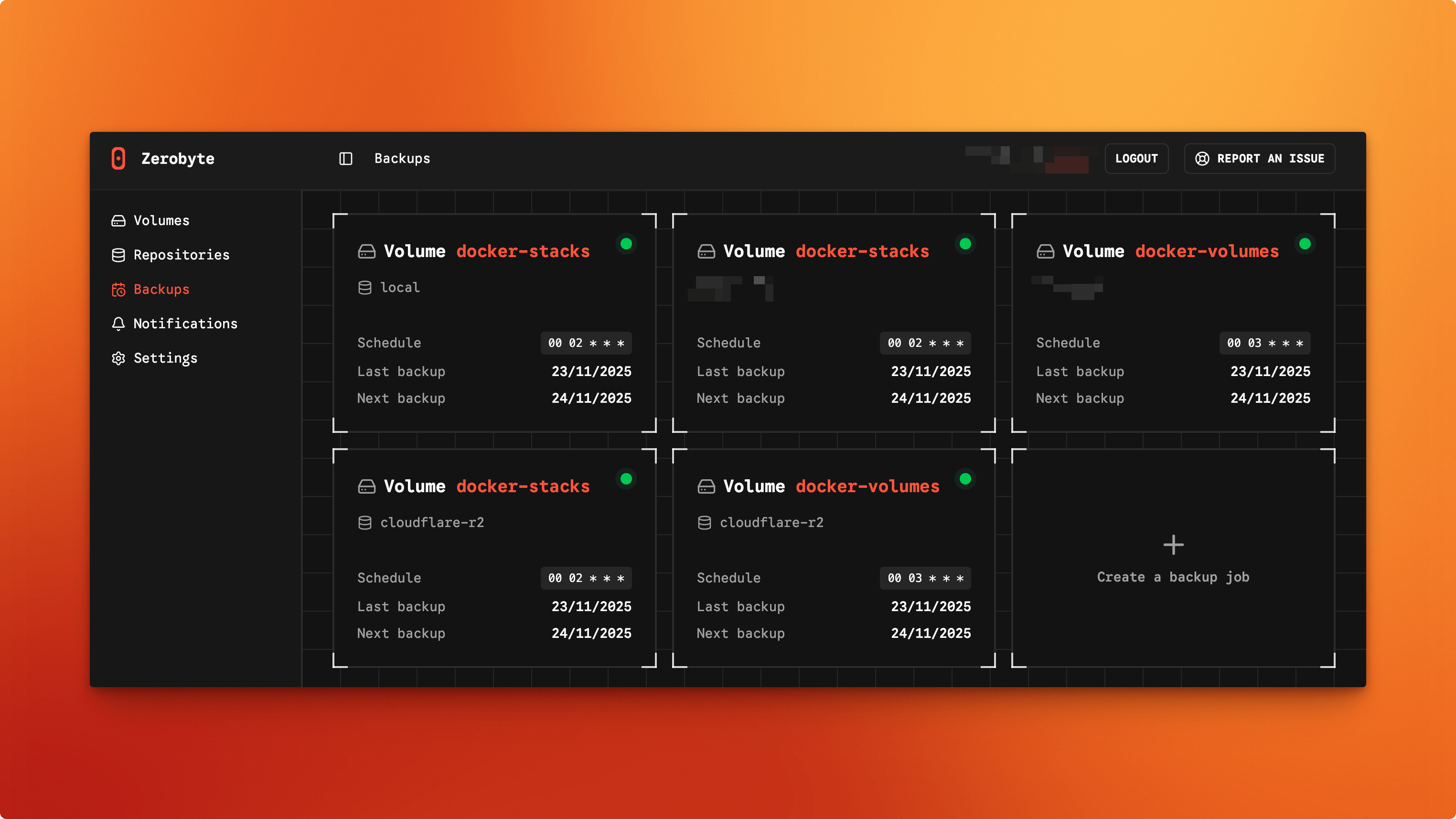


Discussion