


There is something satisfying about catching a new article the moment it goes live on your favorite website. The problem is most of us do not have time to keep refreshing a page or checking feeds manually. That is where automation makes life easier. With n8n, you can build a workflow that notifies you in Discord as soon as a new post is published, so you never miss an update and you do not have to go looking for it.
What is n8n?
n8n is closed-source workflow automation platform. It provides a visual editor where you connect triggers and actions using nodes, building workflows that move data between services. The platform is flexible because it can run locally, in the cloud, or fully self-hosted. It integrates with a wide range of apps and webhooks, making it a strong choice for anyone who wants to automate tasks without heavy coding.
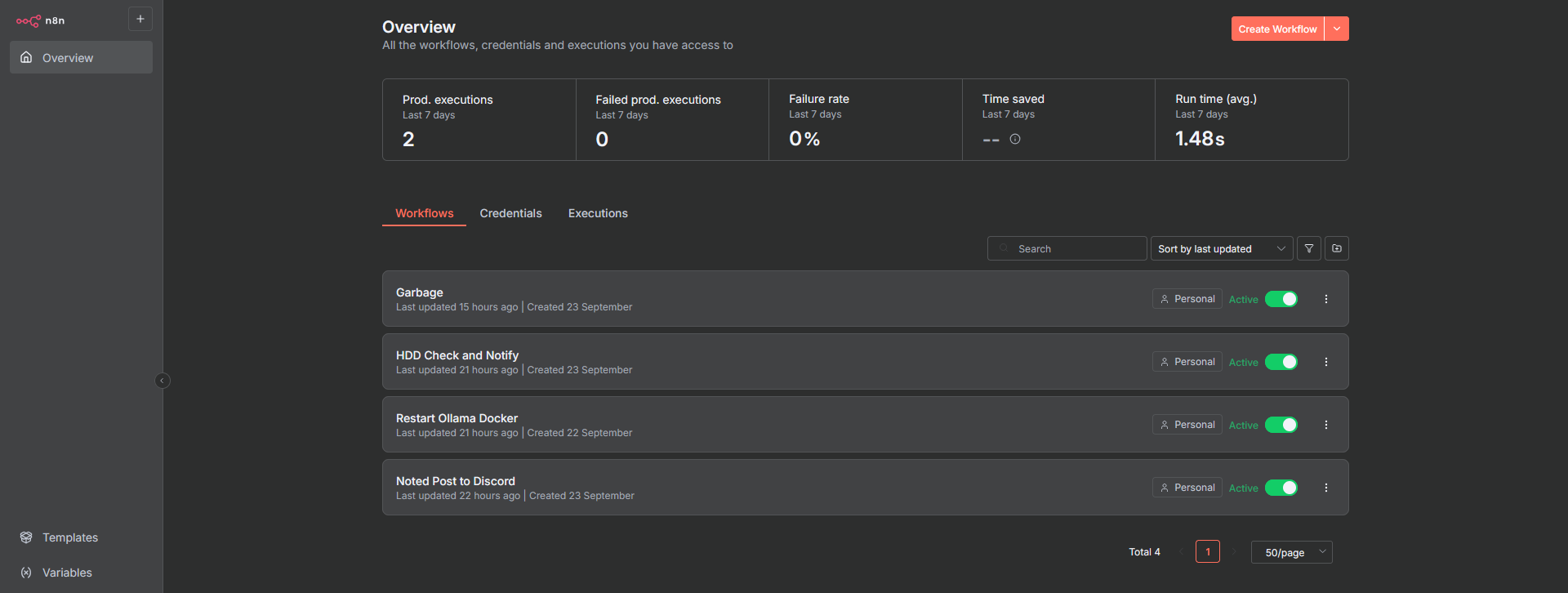
Today I want to walk through a practical example of using n8n to keep track of new content from a website you follow. Instead of checking the site manually or relying on a browser bookmark, you can build a workflow that automatically sends you a message whenever something new is published. The flow uses the RSS Feed Trigger node to pull in fresh posts and the Discord node to send them straight into a channel of your choice.
Install n8n with Docker Compose
If you don't have Docker installed and need help getting started, I recommend checking out our self-hosting guides for beginners. These guides cover the basics of setting up Docker on your server. They're designed to help you get up and running smoothly, even if you're new to self-hosting.
To install n8n hub using Docker compose, use the following Docker Compose config:
services:
  n8n:
    image: docker.n8n.io/n8nio/n8n
    restart: always
    ports:
      - "5678:5678"
    environment:
      - N8N_ENFORCE_SETTINGS_FILE_PERMISSIONS=true
      - N8N_PORT=5678
      - N8N_RUNNERS_ENABLED=true
      - NODE_ENV=production
    volumes:
      - /docker/n8n/data:/home/node/.n8n
      - /docker/n8n/local-files:/files
For n8n to work properly, you will need to access it from a secure SSL. I use Cloudflare tunels to access mine.
Setup RSS to Discord notifications Using n8n
When you create a new account and get logged into n8n, these are the steps to follow to create this simple workflow.
- Click "Create workflow" in the upper right corner.
- Click the + button in the middle of the canvas to add your first node.
- Choose the RSS Feed Trigger then edit the time and website RSS feed URL.
- Click the "Fetch test event" and close.
- Click the + and add the Discord node, "Send a message".
- Change connection type to Webhook.
- Create a new credential, go to your Discord server and copy the webhook URL from the channel of your choosing and save it.
- Drag and drop the "link" Schema item to the Message field on the form. (See image below)
- Click "Execute step" then close.

Now’s the perfect time to test your workflow. Click the big red “Execute Workflow” button at the bottom of the canvas. If everything is set up correctly, the latest news article from the website’s RSS feed should appear in your Discord channel.
Don’t forget to hit “Save” in the top right corner. When you’re ready to take it live, simply switch the slider from “Inactive” to “Active.”

One of the nice things about n8n is how it handles credentials. Once you add them to a node, they’re saved automatically, so you don’t have to keep re-entering your login details every time you build a new workflow. Everything gets stored neatly on a dedicated credentials page, where you can manage or reuse them whenever you need. It makes setting up new automations way quicker.
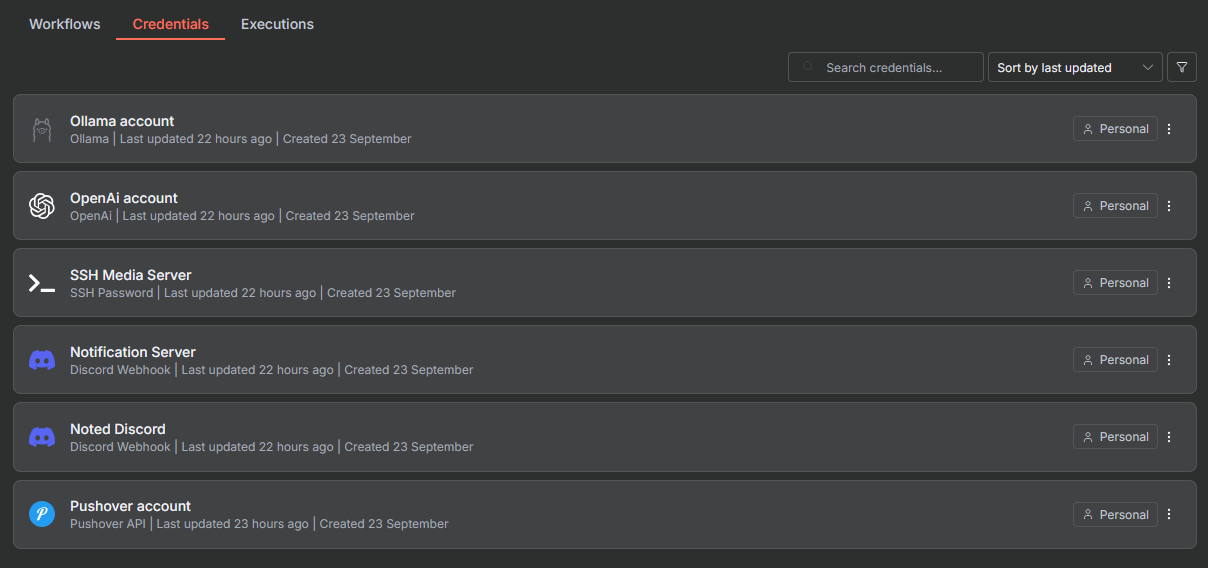
A setup like this may seem small, but it removes friction. Updates flow consistently, nothing gets overlooked, and you can extend the workflow further if needed. For example, you could save items to a database or forward them to another platform for long-term archiving. You could even add a Language Model Chain node between and have it summarize the article for you before shipping it to Discord!
Final Notes and Thoughts
If you’re in the Noted Discord, you’ve probably seen the noted-article-alerts channel. That’s powered by n8n, which I use to automatically shove new articles straight from the site into that channel so I don’t have to lift a finger.
I have been experimenting with n8n not just for sending feeds to Discord but also for side projects. n8n stands out as a flexible and reliable tool for automating repetitive tasks and connecting services that don’t usually talk to each other. The setup process is simple, and the documentation makes it easy to get started without feeling overwhelming. For anyone running a homelab or self-hosted environment, it can quickly become an essential part of the toolkit. It saves time, reduces manual work, and leaves plenty of room to explore more advanced workflows as your needs grow.
 Jeremy


Discussion