


Every Developer Should Try Self-Hosting
I used to assume self-hosting was something only system administrators or homelab enthusiasts did. The folks who tinker with Raspberry Pis, collect old routers, and experiment with custom firmware. Then I set up my first service, and everything changed.
Today I manage Proxmox-based infrastructure, but it all started with something simple: hosting a WordPress website for a local community project when I was a teenager. That small experiment nudged me toward cloud infrastructure, distributed systems, and eventually building more complex systems. Self-hosting teaches the practical skills that power the internet and opens doors you might not expect.
Here are the reasons every developer should self-host at least once.

You Learn How Software Actually Runs
Self‑hosting pulls you out of the comfort of clicking “run” in a local dev environment and drops you into the real work of operating software. You learn how to keep services running consistently, open and route the right ports, make sure data survives reboots, and understand how the operating system actually manages processes and files. That shift turns you from someone who just builds applications into someone who knows how to keep them alive.
This kind of hands-on experience is different from clicking a deploy button on a platform. It forces you to think about uptime, monitoring, and recovery.
Networking Becomes Real
When you start hosting your own services, you’re suddenly faced with the real mechanics of the internet. You have to understand how DNS records behave, what a reverse proxy actually does, how to issue SSL certificates, and why traffic sometimes ends up somewhere it shouldn’t. Back when I first set up that WordPress site, I didn’t know the difference between an A record and a CNAME, I just wanted the domain to load without errors. But figuring it out taught me more about DNS, NAT, and port forwarding than any class ever did.
Those fundamentals carry over to modern systems like Kubernetes and cloud networking. The tools change, but the core concepts remain the same.

Security Moves to the Front of Your Mind
Putting software on the public internet forces you to ask better questions. Is an admin panel exposed? Is the database protected by a strong password and not reachable from the open web? Is HTTPS configured correctly?
If you have ever accidentally left SSH or a database port open, you quickly learn the internet is not forgiving. Those early mistakes teach you to design systems with safety and resilience in mind, not just functionality.
You Pick Up DevOps Skills Naturally
I did not set out to learn DevOps. I wanted to run a few personal services: a website, a game server, a file sync tool. But I ended up learning Docker and Docker Compose, how to use persistent volumes and health checks, how to recover from crashes, and how to automate deployments.
That accidental education became a rabbit hole and then a career advantage. You do not need to become a full-time DevOps engineer to benefit. Self-hosting gives you a practical mental model of how infrastructure behaves, which helps no matter what you build.
It Builds Confidence
Self-hosting teaches you how to troubleshoot real problems. You learn to SSH into a server and read logs, debug DNS issues, and migrate databases with minimal downtime. After hosting something yourself, production environments feel less intimidating. You become comfortable with the tools and processes that keep applications running and you start thinking like a builder rather than only a coder.

It Can Shape a Career
Self‑hosting can genuinely shape a career. You start by trying to get one small service online, and that simple project teaches you how real systems behave. Over time you pick up skills in networking, security, automation, and troubleshooting, often without even realizing it. Those early lessons build the kind of confidence and intuition that translate directly into roles in infrastructure, DevOps, cloud engineering, and beyond. Many careers begin with nothing more than the decision to host something yourself.
How You can Get Started
A simple set of starter apps can make self‑hosting feel a lot less overwhelming. These tools are easy to deploy, teach real skills right away, and give you something genuinely useful to run on your homelab. They are the kind of projects that help you build confidence while also showing you how much you can do with your own infrastructure.
Ghost
A fast, modern blogging platform that’s perfect for documenting your homelab projects, sharing notes, or keeping a personal tech journal.
 Jeremy
Pangolin
A simple and powerful way to handle reverse proxying and domain tunneling, making it easy to expose your self‑hosted services securely to the internet.
 Jeremy
Beszel
A lightweight monitoring tool that gives you a clear view of your homelab server’s health, resource usage, and performance at a glance.
 Jeremy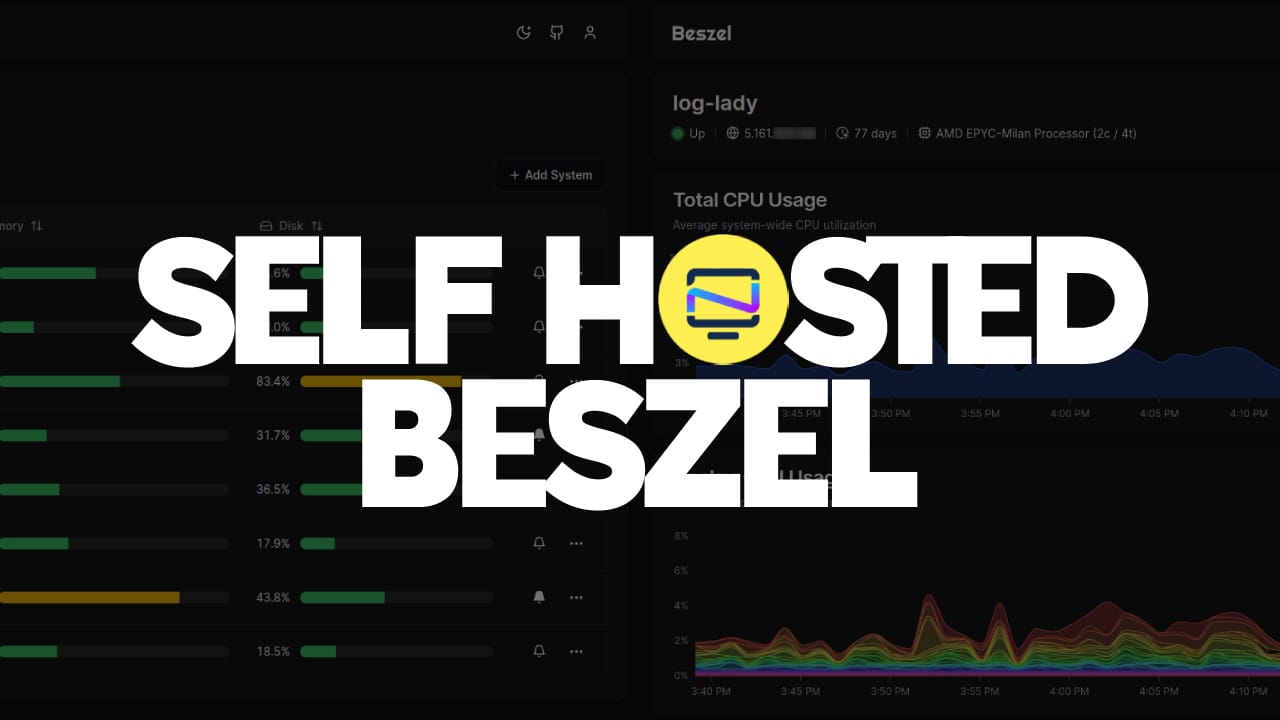
Dockhand
A clean, intuitive interface for managing your Docker containers, images, and stacks without digging through command‑line details.
 Jarek Krochmalski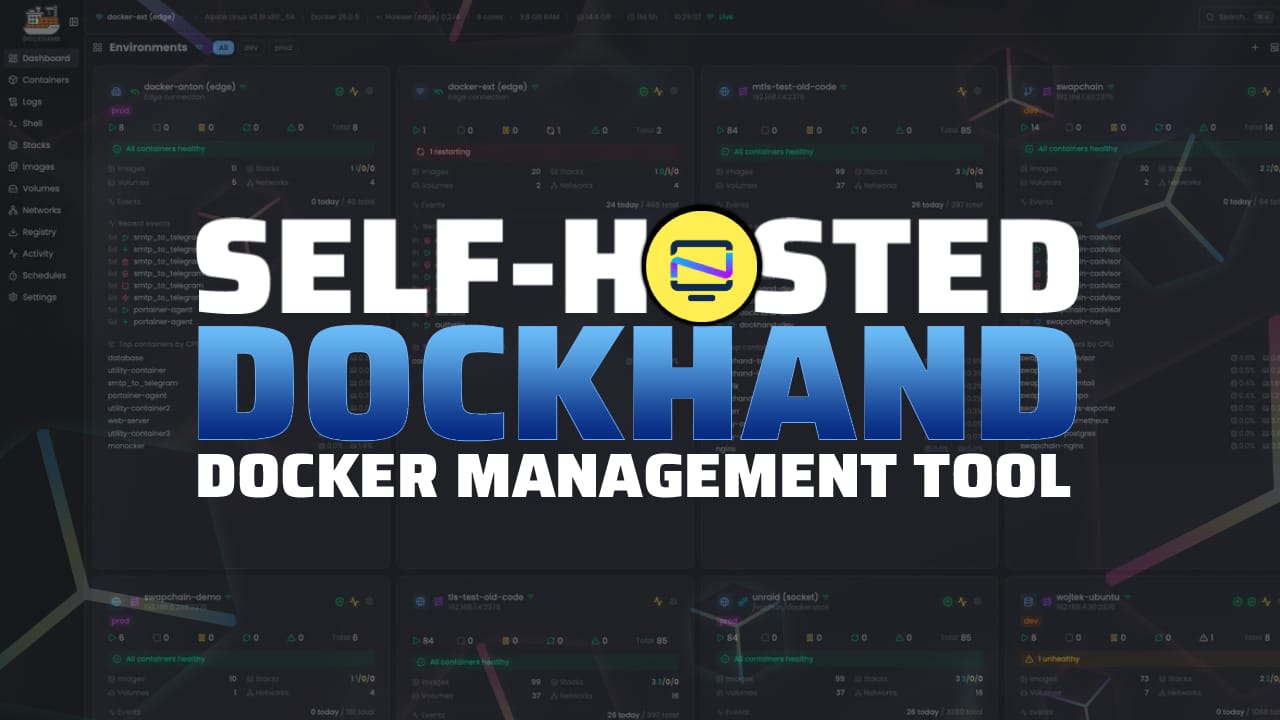
Final Thoughts
I am not unique. Many indie hackers, freelancers, and founders started by self-hosting a single service. That first step sparks curiosity and creates opportunities. If you are just starting, it is not too late. Hosting one tool can teach you a lot and might even change your career path.
Self-hosting is a practical, low-cost way to learn how the internet works. Try it once and see how it changes the way you build and think about software.


Discussion