


There is something rewarding about seeing a process run on its own. A few nodes linked together, and suddenly a small part of your workflow just works. That is the beauty of n8n. It gives you space to connect tools, move data, and build systems that save time without adding complexity.
Here are five creative ways to put n8n to work.
1. Self-running homelab video encoder: Bash + n8n for scheduled, atomic MP4 conversions
A compact, practical homelab project that finds non‑MP4 videos, converts them to MP4 (GPU-aware when available), handles subtitles, logs per-file results, and posts a JSON summary into n8n for scheduling, storage, and notifications.
 Jeremy
2. Automated rsync backups to Synology with n8n orchestration
A lightweight n8n workflow that runs rsync against a mounted Synology Samba share, parses rsync stats into a compact summary, and sends instant ntfy notifications so your NAS stays mirrored and you always know what changed.
 Jeremy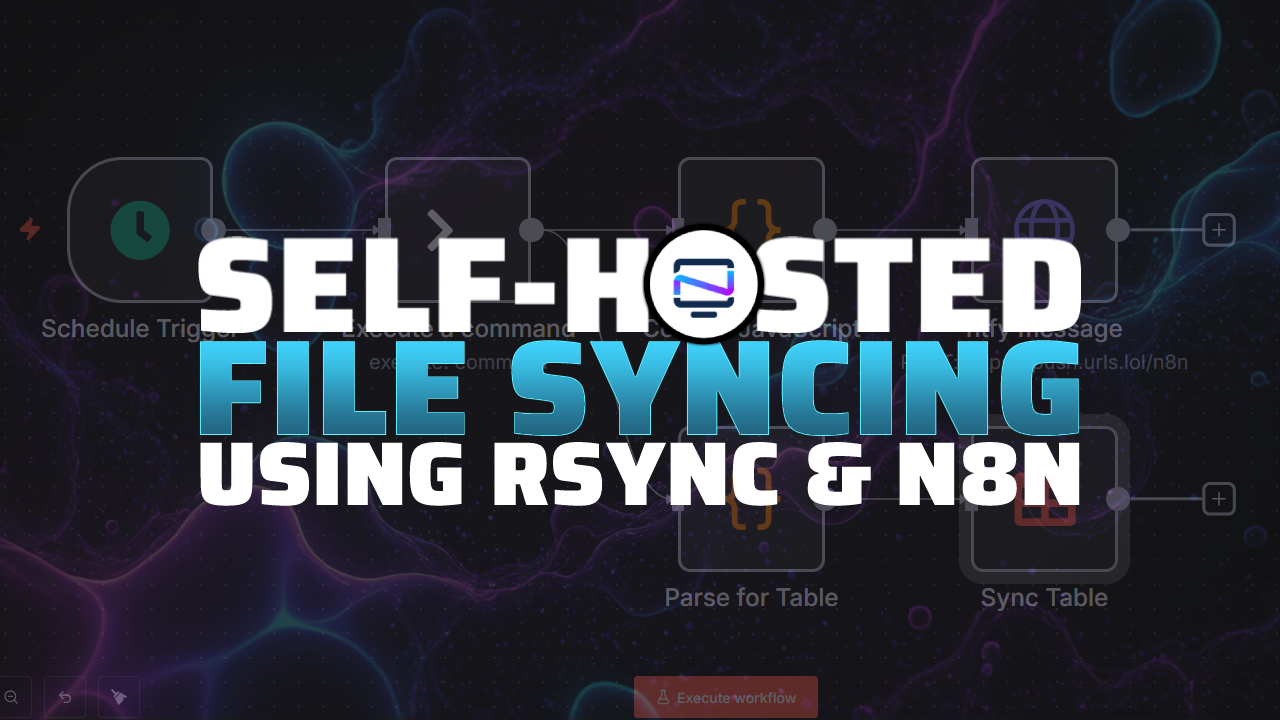
3. System log dashboard and SSH alert workflow with n8n
A compact n8n project that pulls journalctl, auth logs, dmesg, and network stats into a polished HTML dashboard with live counts, copyable error entries, and a conditional alert that notifies you on failed SSH login spikes.
 Jeremy
4. HDD health watchdog: n8n + SmartMonTools with ntfy push alerts
A simple n8n workflow that runs smartctl over SSH each morning, parses drive health, temperature, reallocated and pending sectors, and pushes concise ntfy notifications (with per‑drive details) so you see failing or marginal disks before they become catastrophic.
 Jeremy
5. Self‑hosted n8n RSS to Discord notifier with easy webhook delivery
A minimal n8n workflow that polls RSS feeds, formats new-post entries, and posts them to a Discord channel via webhook. Includes Docker Compose install tips, credential handling, a test flow, and suggestions for extensions like summarization or archiving.
 Jeremy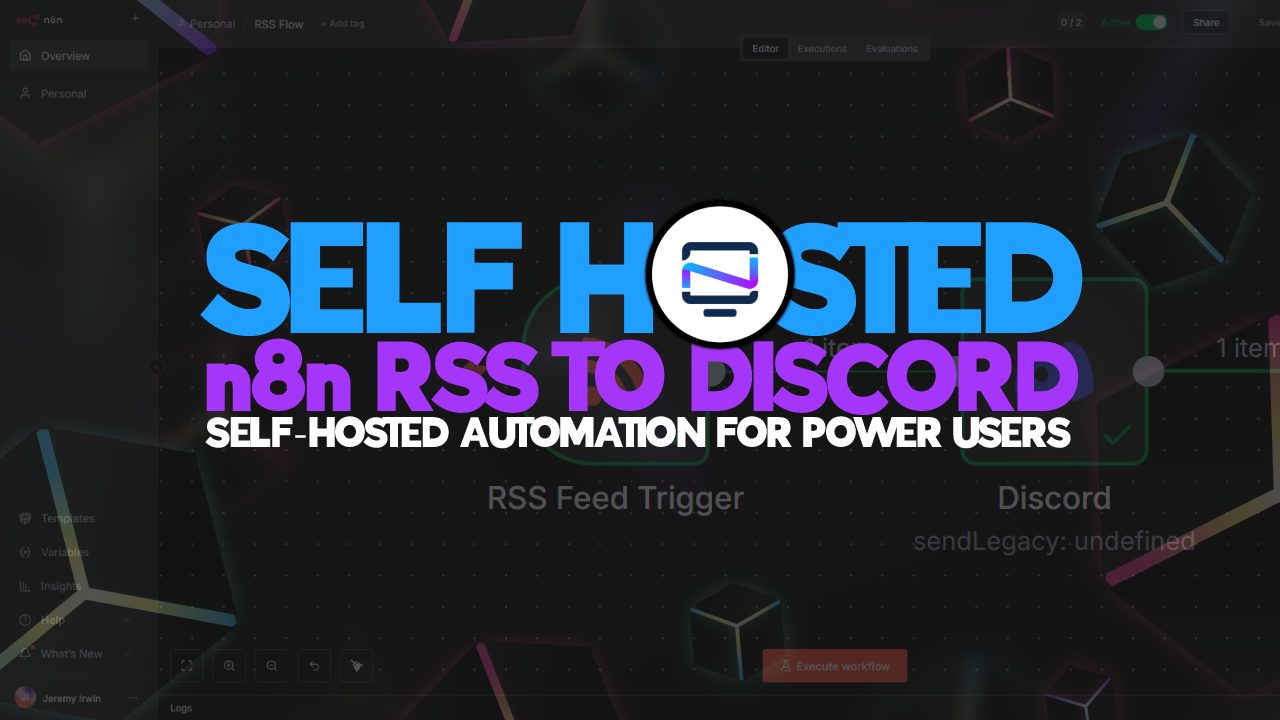
Final Notes and Thoughts
The best automations are the ones that make everyday tasks easier and more reliable. Start with small n8n flows that solve a single repetitive step, like fetching logs, sending a notification, or syncing a folder. As you add a few of these you will begin to see repeatable patterns and bottlenecks across your routine that can be consolidated or eliminated. Focus on clear inputs and outputs and conservative alerts so failures are easy to find and fix.


Discussion